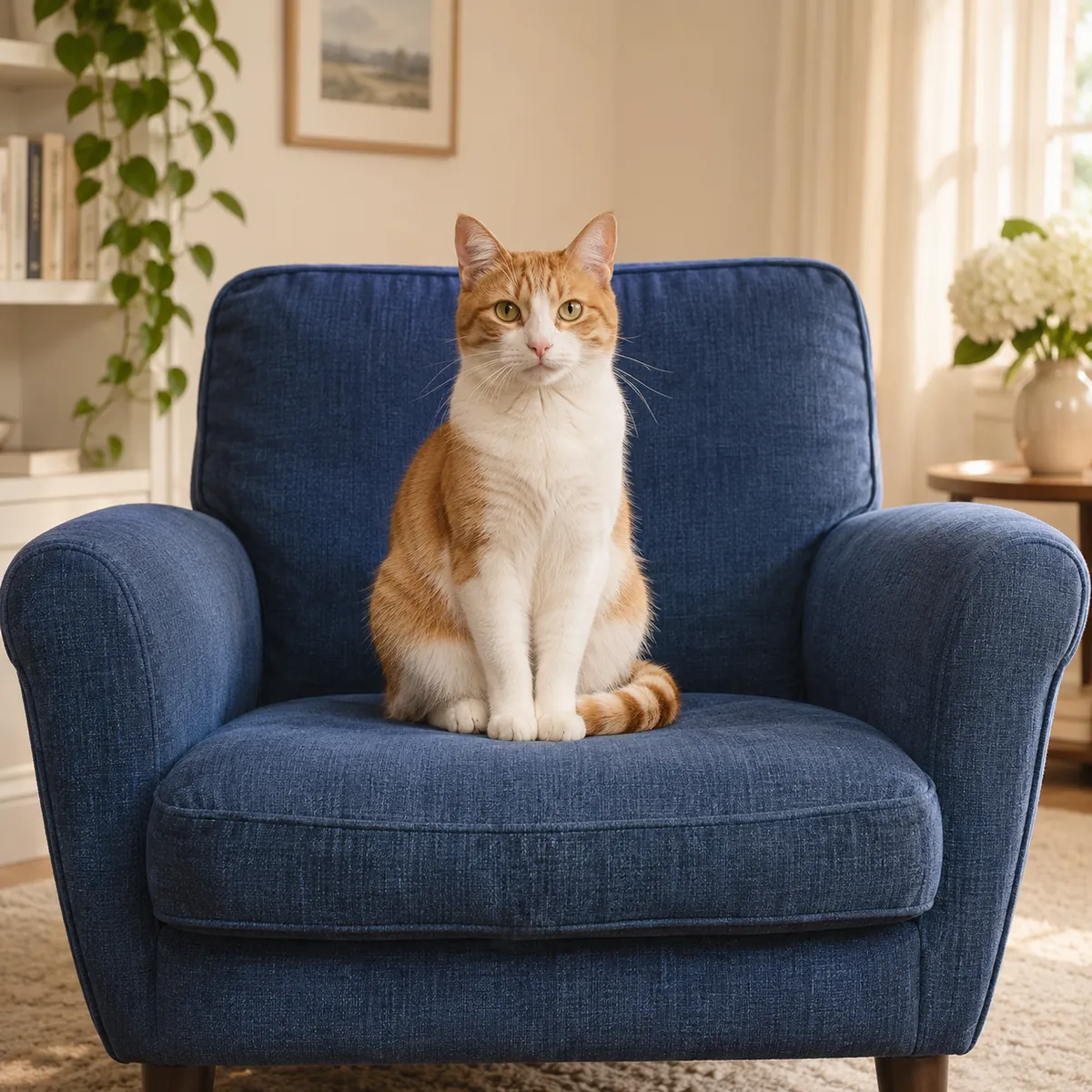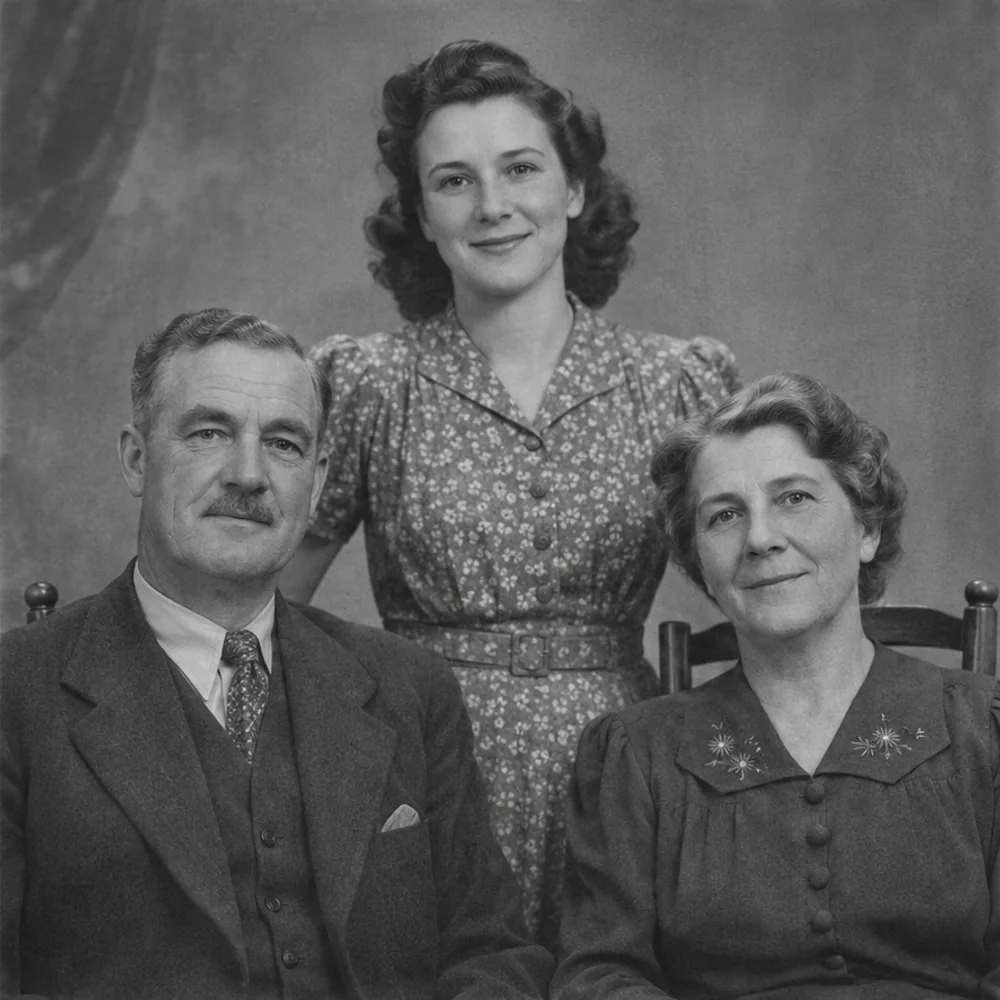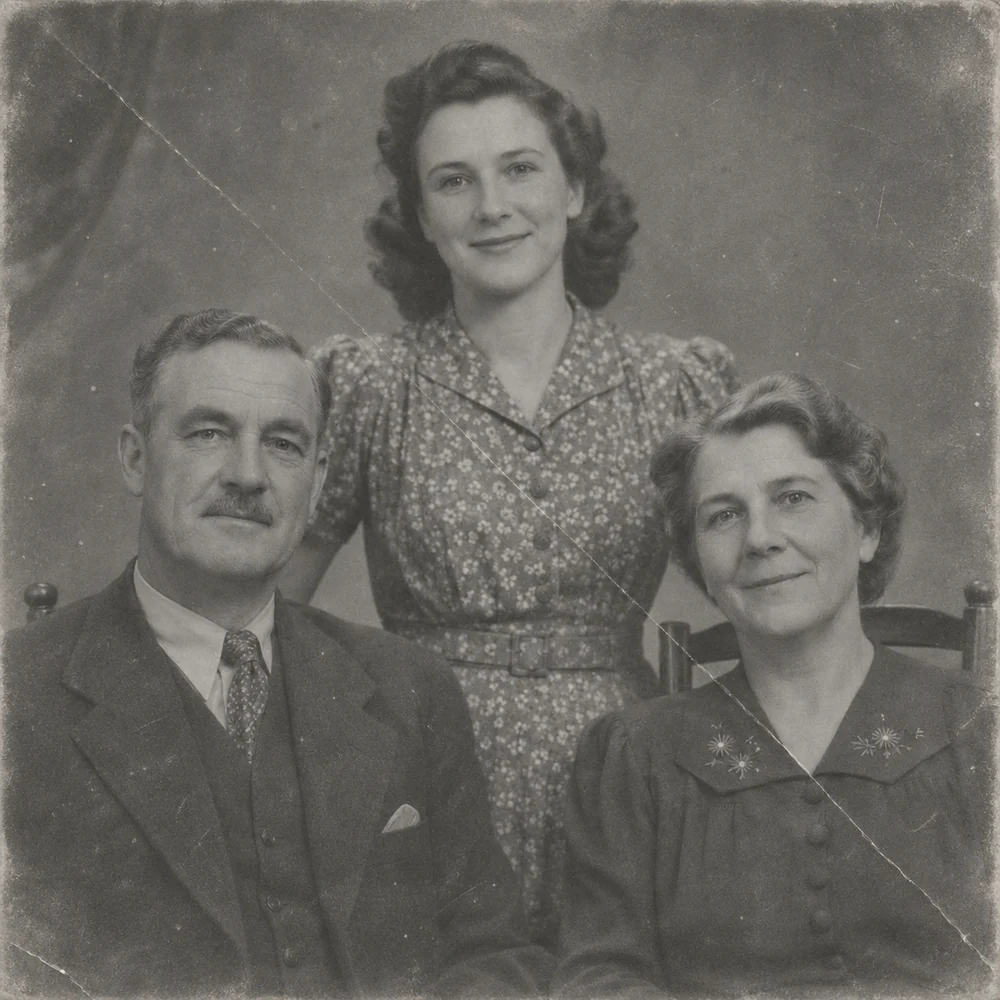
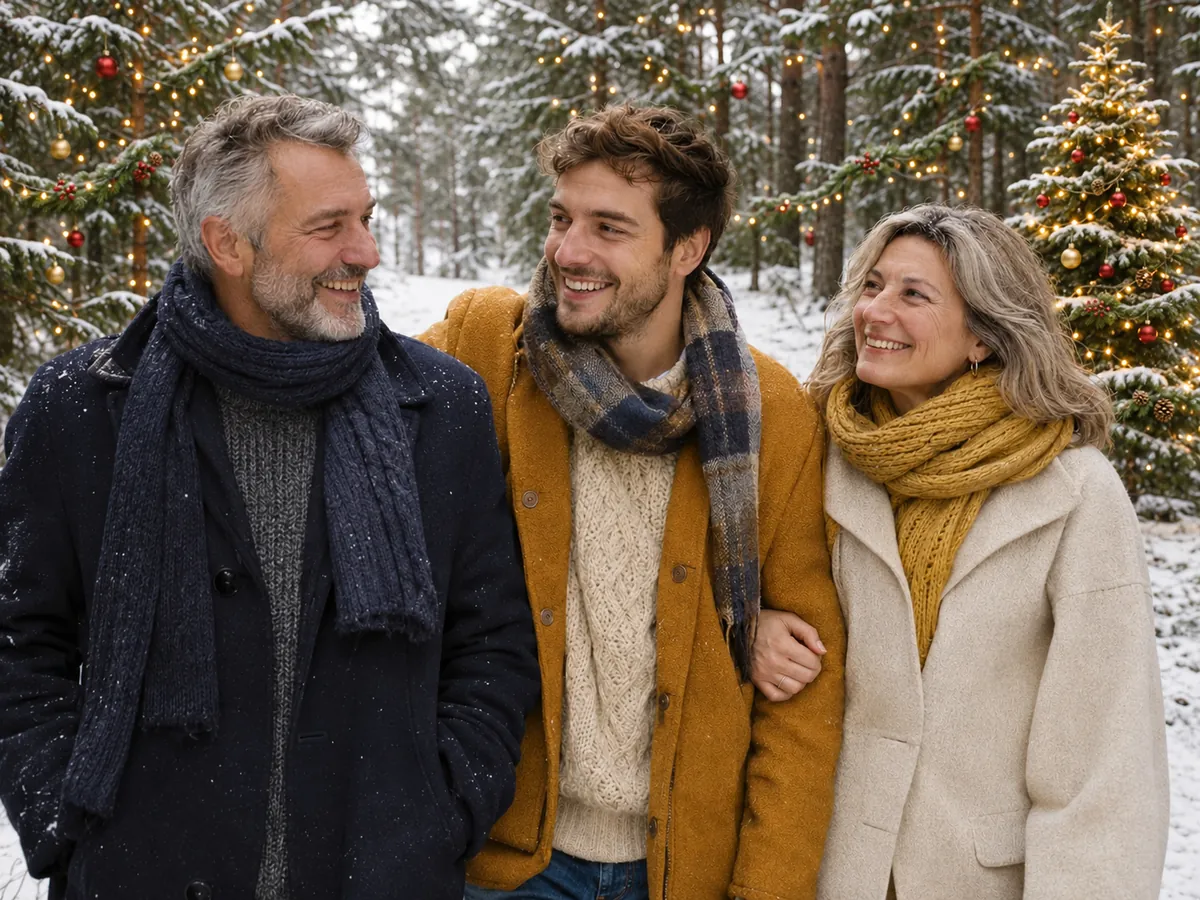
A portrait beside the tree
Transform a simple portrait into a decorated indoor setting with festive knitwear. Inspect the face, hair and hand position alongside the new background.
AI Christmas photo
Create an AI Christmas photo from one picture of yourself, family or friends. Choose a Christmas tree, snow, card or Santa setting to restyle the scene and clothing while keeping your original people as the starting point.
JPG, PNG, WEBP · up to 15 MB · 40 megapixels
Drop a photo here, or paste from your clipboard
No signup. Private by default.
AI processing uploads your selected photo securely. Files in Enhance Photo storage expire within 24 hours; upstream retention is described in our Privacy Policy.
Illustrative examples show the editing goal. Compare processed results with your original photo.
The existing scene previews illustrate festive transformations. Explore portrait, group and restored-family scenarios, then compare every face, outfit and small detail in your own result.
Transform a simple portrait into a decorated indoor setting with festive knitwear. Inspect the face, hair and hand position alongside the new background.
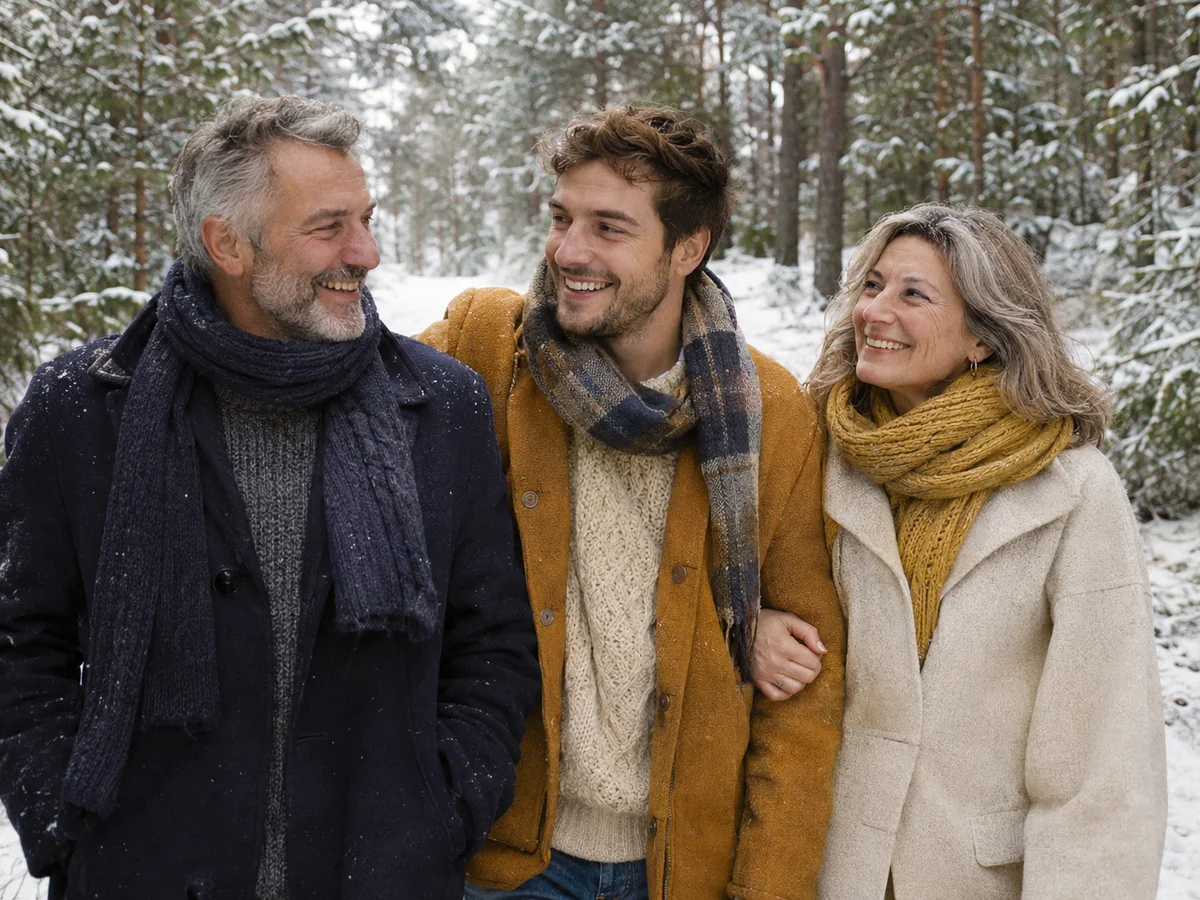
Use a winter scene with snowy surroundings, a coat and scarf. Compare facial features and pose while reviewing how the new clothing fits.
Start with everyone visible in the same group photo, including five-person shots. Check each person, their position and any objects that matter in the scene.
Repair an old print first, then create a colorful holiday interpretation. Inspect small faces, clothing patterns and any inset portrait in the source.
Reimagine a restored monochrome or sepia picture with winter colors and outerwear. Compare every person rather than assuming all outfits or fine details will change uniformly.
Choose Card for a snowy cabin setting and an English “Merry Christmas” greeting. Proofread the lettering and inspect faces before preparing a printed card.
The Santa scene intentionally introduces Santa alongside the people in your source. Check the original group, the added character and any small portraits within the image.
Select Christmas tree, Snow, Card or Santa. The scene sets the festive background and outfit direction; no written prompt or set of training selfies is needed.
Choose a JPG, PNG or WebP up to 15 MB and 40 megapixels with clear, visible faces. Review the scene and output format, then start the edit at 4 credits per image.
Compare the source and result with the slider. Inspect people, hands, framing and any greeting. Download the version you prefer; another run is a separate credit-based edit.
4 credits, with the same model and rate for packs and Pro.
Choose a photo and explore scene previews without an account. AI edits use paid credits.
JPG, PNG or WebP, up to 15 MB and 40 megapixels. Keep everyone in the same image.
Christmas tree, Snow, Card and Santa, with no custom prompt required.
AI uploads, results and download links have a 24-hour window.
November 2026
AI Christmas photo
This tool starts from your existing photograph and gives it a seasonal setting. The background and clothing are creative changes; keeping the original people recognizable is the goal. The Santa option deliberately adds Santa as part of the requested scene.
One clear portrait or group photo is enough. You do not need a set of selfies, personal-model training or a long ChatGPT prompt. Choose one of the four presets to set the direction, then inspect the generated image rather than assuming every face will be identical.
Black-and-white and sepia family pictures can become colorful festive interpretations. Repair scratches and tears before using an old print here, and keep the untouched original separately. Color and scene changes are creative, not a historical reconstruction.
AI Christmas photo
Use clear portraits, couples, family groups, friends, coworkers or restored family prints. Faces should be visible, in focus and large enough to inspect. A tighter copy of a wide group shot can give each person more source detail.
AI Christmas photo
Choose the setting for the picture you want to create, then review its specific changes.
AI Christmas photo
The same scene can produce different details from one run to the next. Evaluate the people as closely as the decoration.
AI Christmas photo
A strong source helps the scene edit keep the people you care about.
AI Christmas photo
Restore an old source before creating a festive scene, or enlarge a chosen result for a card or print as a separate edit.
Enlarge images for clearer presentations, larger layouts and high-resolution photo projects, with options up to 8K.
Open toolRepair faded, scratched and worn family photos while keeping the character of the original picture.
Open toolChoose a focused treatment for enhancement, restoration, creative edits or a free local file conversion.
Start with your original image, choose a focused treatment and keep the result that works for you. No signup is needed to select a photo.
Enhance photo