Photo colorizer
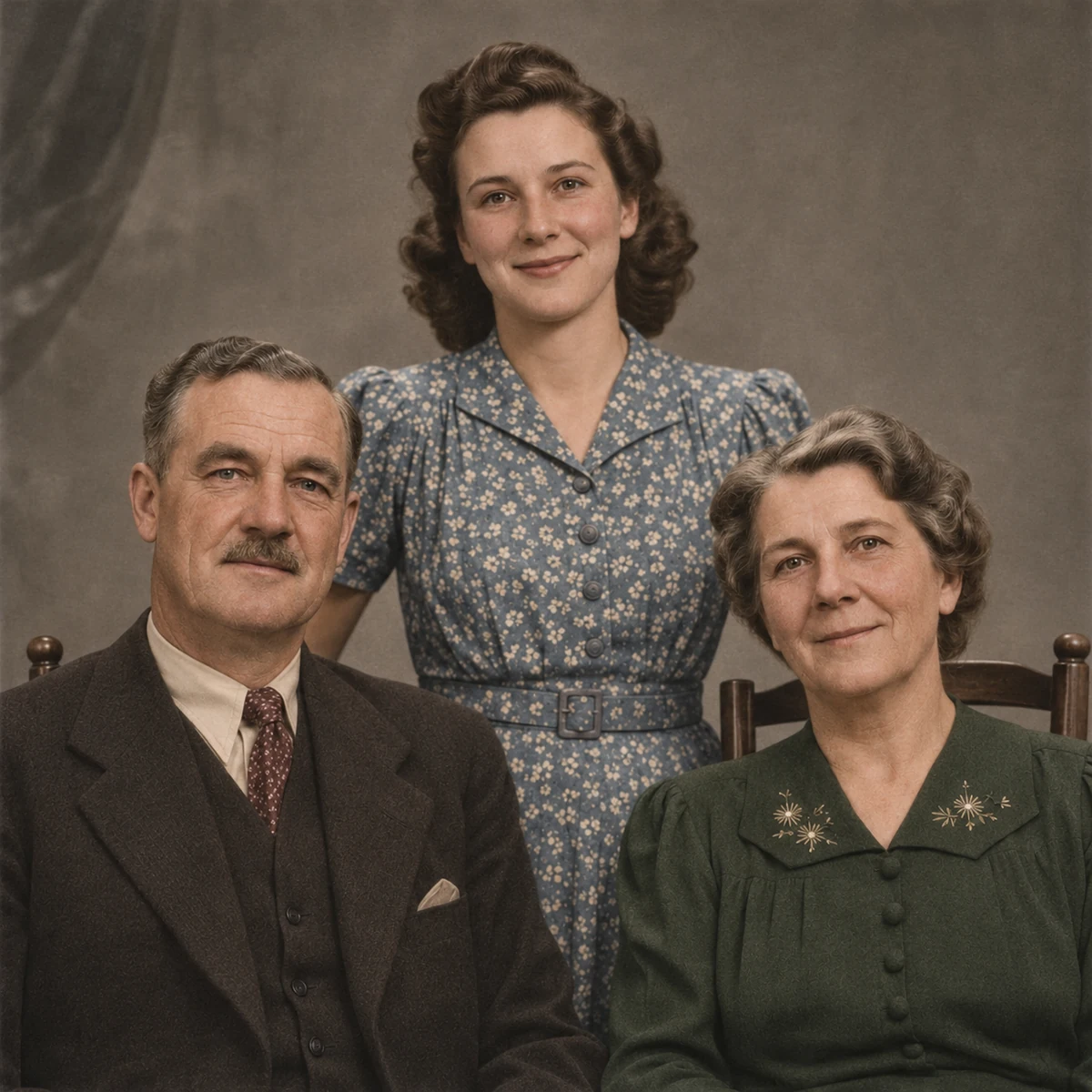
Colorize monochrome photographs with natural-looking tones, from family portraits to historical scenes.
Open toolPhoto to black and white
Make a color photo black and white for free, entirely in your browser. No photo upload, account or credits are required. Keep the original pixel dimensions and download a separate grayscale copy without a watermark.

JPG, PNG, WEBP · up to 15 MB · 40 megapixels
Drop a photo here, or paste from your clipboard
No signup. Private by default.
Black-and-white conversion runs in your browser. Dimensions stay the same and EXIF metadata is removed.
Original illustrative image. Local conversion changes the format or color treatment of the photo you select.
Select, drop or paste a JPG, PNG or WebP up to 15 MB and 40 megapixels. On a phone, choose a supported image from your files or photo library.
Select your output format, then choose Make black and white. Your browser converts the pixels on this device. Choose PNG or supported WebP output when you need to keep transparency.
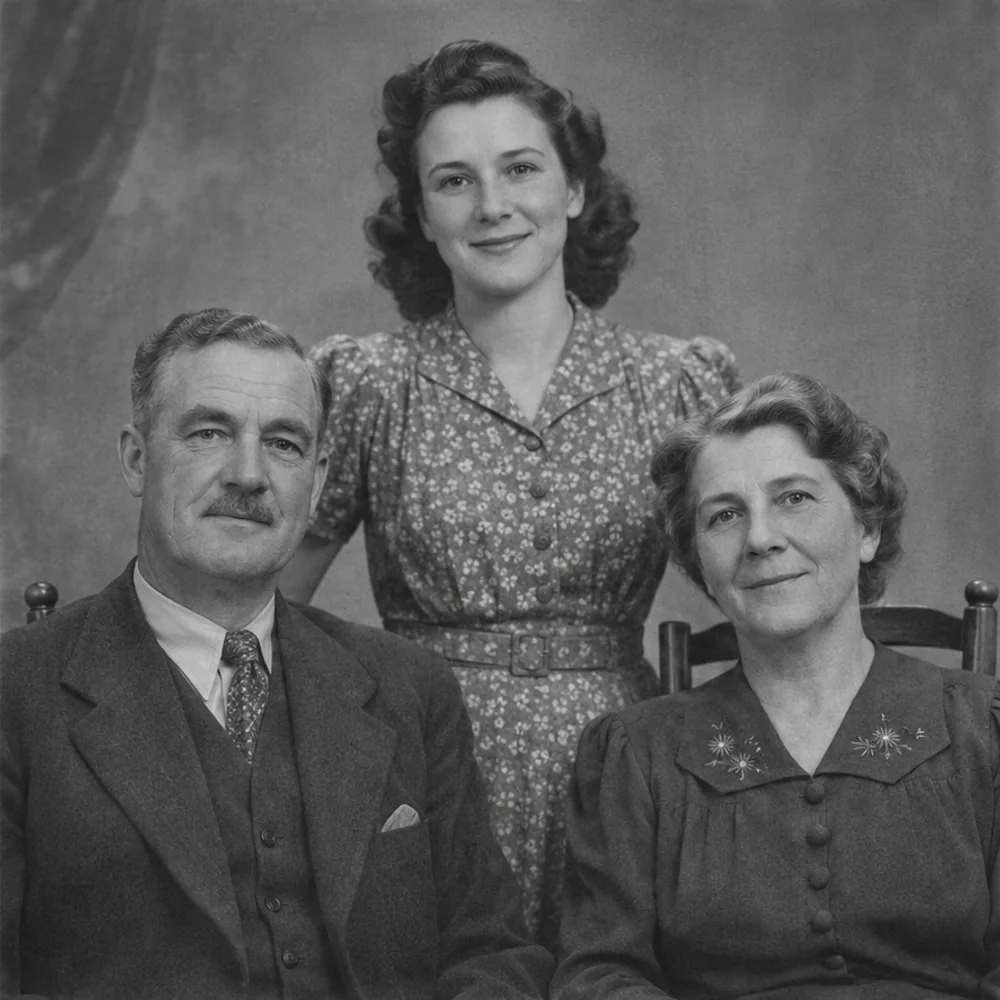
Use the slider to compare the grayscale result with your color original. Download the converted file and keep the untouched source if you may want its colors later.
Photo to black and white
The converter combines each pixel’s red, green and blue values into a weighted brightness value. This produces shades of gray while retaining the picture’s light, texture and shape. It is a direct color conversion rather than an AI reconstruction.
The work happens in your browser tab, so the image does not need to leave your device. There are no AI credits, subscription requirements or daily conversion quotas. Convert one picture at a time and download the copies you want.
Pixel width and height stay the same. Choose the output format yourself: PNG preserves transparency and encodes the grayscale pixels losslessly; WebP can retain transparency in supported browsers. JPG uses a white background for transparent areas and is re-encoded, so file size and compression detail may change.
The download is a newly encoded image, with camera EXIF information removed. Your original file is not overwritten. To add a plausible color interpretation to an existing monochrome photograph, use the separate AI Photo Colorizer.
Photo to black and white
Try portraits and family pictures for a classic monochrome appearance, products or documents for a black-and-white layout, and artwork for a consistent gallery. For grayscale printing, review the printer’s own black-and-white settings as well as the converted image.
Photo to black and white
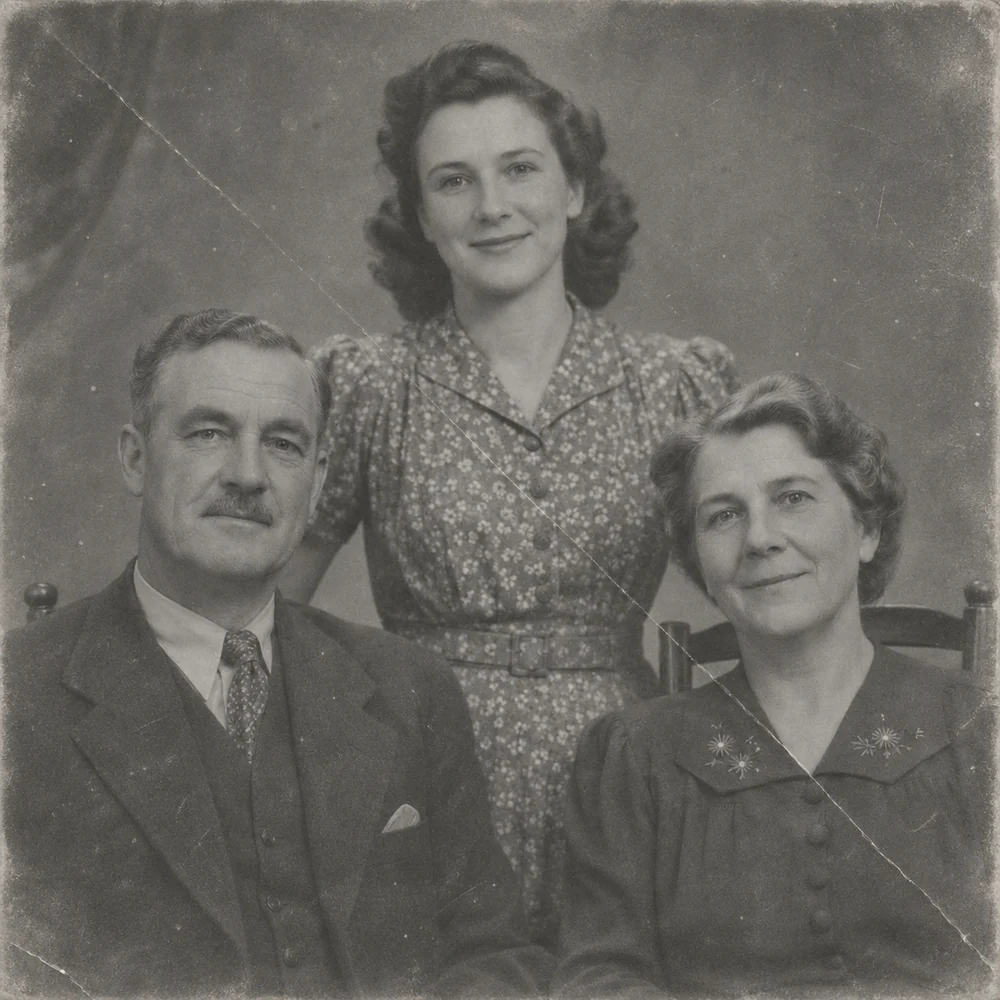
Use AI colorization for a color interpretation of a monochrome source, or restoration to address scratches, tears and creases on an old print. Those are separate treatments.
Colorize monochrome photographs with natural-looking tones, from family portraits to historical scenes.
Open toolRepair faded, scratched and worn family photos while keeping the character of the original picture.
Open toolChoose another free local conversion or a dedicated AI treatment when the next task needs more than a color change.
Start with your original image, choose a focused treatment and keep the result that works for you. No signup is needed to select a photo.
Enhance photo