A camera date in a corner
A timestamp on an uncluttered background is a useful starting point. Cover the characters and their outlines, then look for a visible patch or color difference.
Remove text from image
Remove an unwanted caption, date or label from a photo or screenshot. Brush over the lettering you want to erase, then let AI estimate the covered background. Compare the filled area and the surrounding image before saving your edited copy.

JPG, PNG, WEBP · up to 15 MB · 40 megapixels
Drop a photo here, or paste from your clipboard
No signup. Private by default.
AI processing uploads your selected photo securely. Files in Enhance Photo storage expire within 24 hours; upstream retention is described in our Privacy Policy.
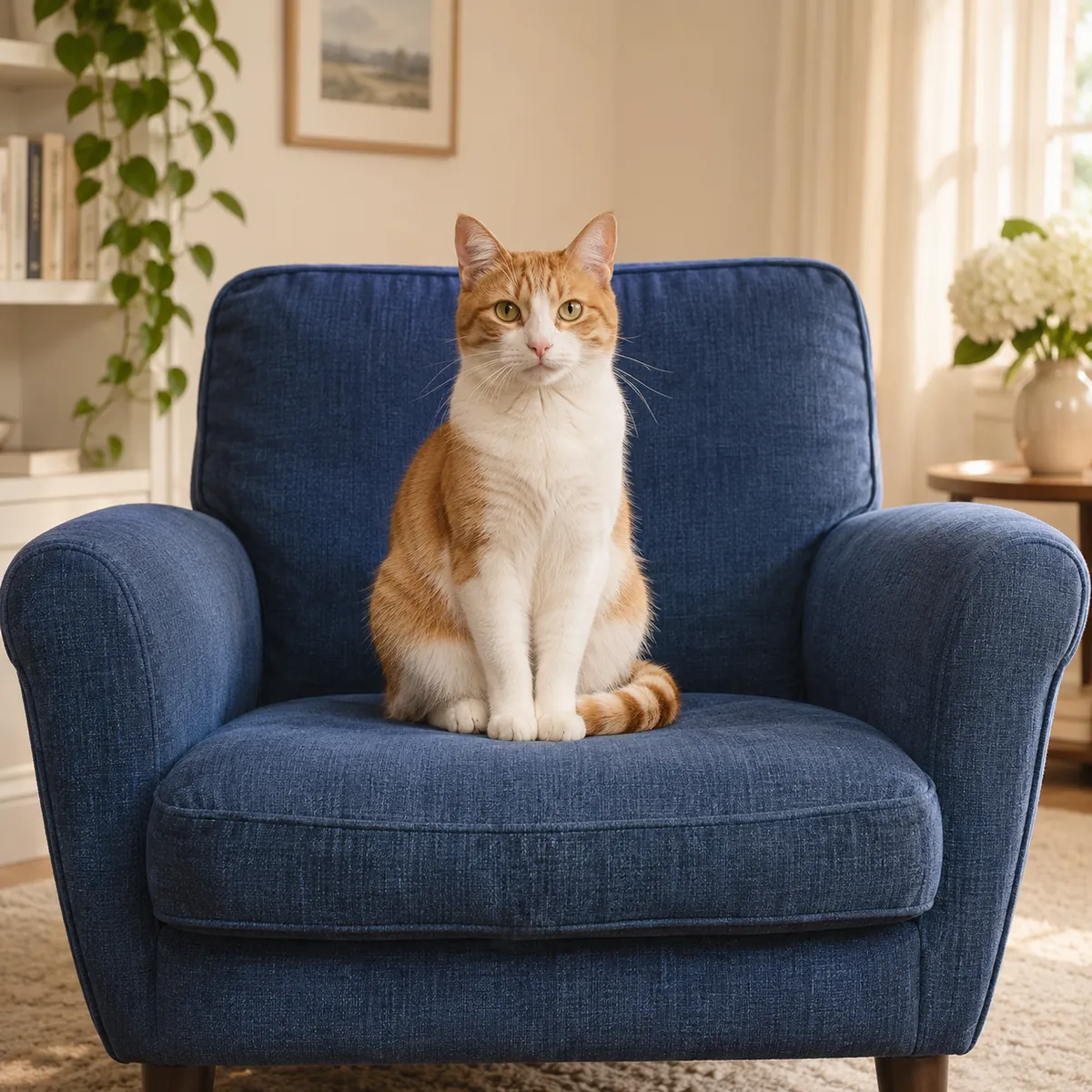
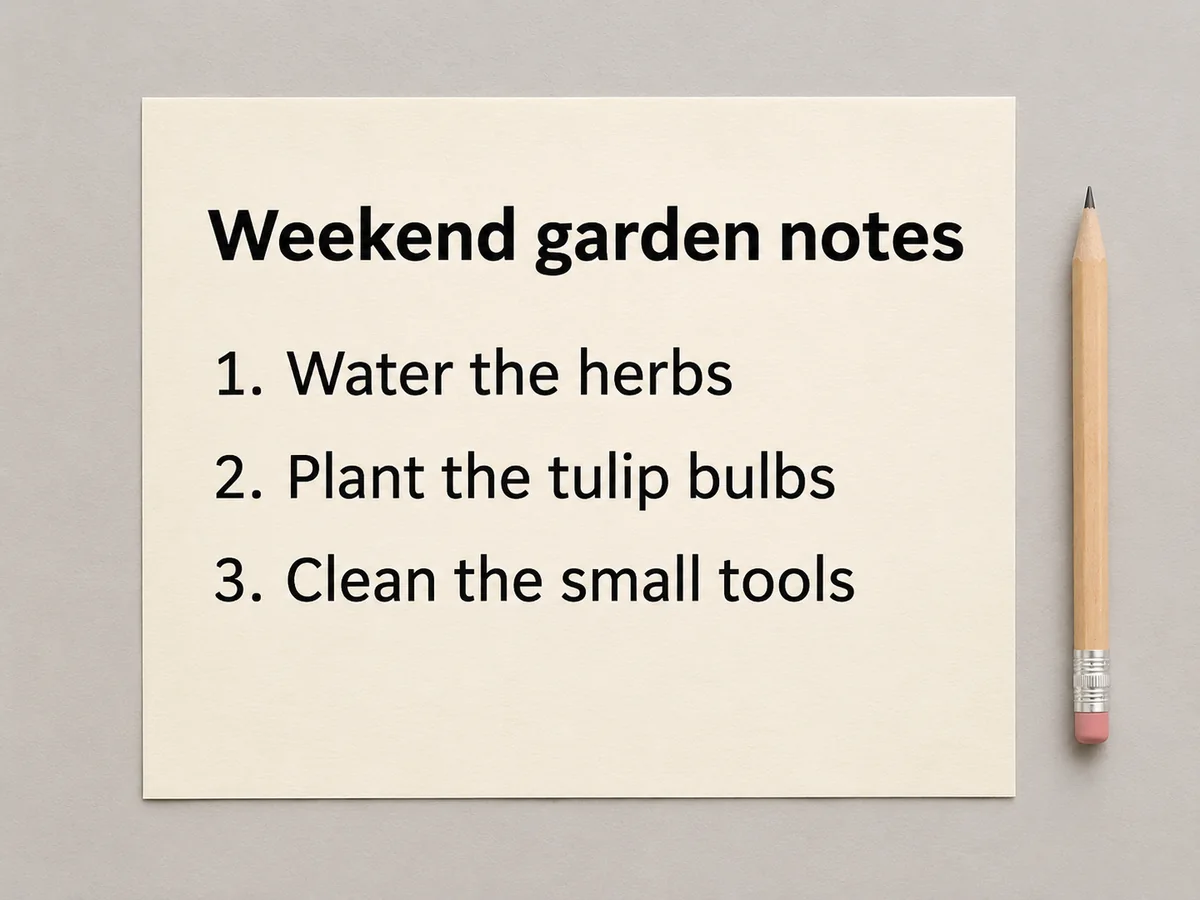
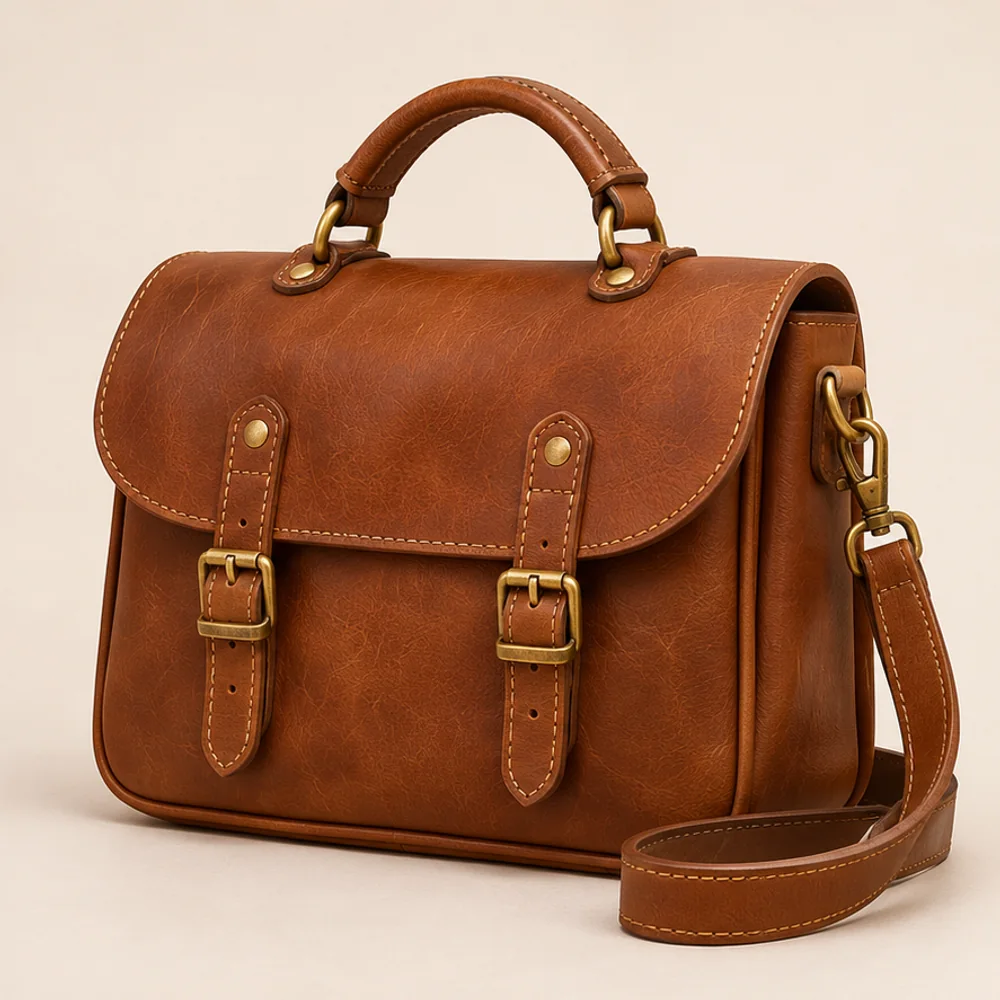
Illustrative examples show the editing goal. Compare processed results with your original photo.
These guides cover the same kinds of overlays as the reference examples. They are checks for your own result, alongside the approved preview, rather than claims about a measured model run.
A timestamp on an uncluttered background is a useful starting point. Cover the characters and their outlines, then look for a visible patch or color difference.
Words over clothing or hands require a reconstructed fill. Check fabric, fingers and edges carefully; do not assume the hidden detail has been recovered.
If a price tag crosses a handle or other narrow shape, inspect its geometry and watch for color left by the original lettering. Product details still need to be accurate.
Select, drop or paste one JPG, PNG or WebP up to 15 MB and 40 megapixels. Only process an image you own or have permission to edit.
Turn on the brush and cover each word with a small margin, including outlines and shadows. Use Clear selection and redraw if the selection includes detail you want to keep.
Choose the output format, check the 6-credit rate and start the removal. Inspect both the filled area and the rest of the image, then download the result.
6 paid credits for each removal run, from the same rate catalog used by Pricing.
One JPG, PNG or WebP up to 15 MB and 40 megapixels.
Brush over the unwanted text. Clear the mask and redraw when the selection needs correction.
Choose JPG, PNG or WebP and download the complete generated result without an added watermark.
AI processing uses a provider. Uploads, results and download links have a 24-hour deletion window.
Page guidance reviewed in November 2026. Reconstructed areas always need a visual check.
Remove text from image
Captions, subtitles, dates, stickers and price labels can cover a picture that is otherwise useful. The removal mask tells the model which area you want replaced. It estimates a continuation of the surrounding surface, such as a wall, sky, cloth or product background.
The goal is a localized edit, rather than a rewrite of the entire picture. Keep the brush away from faces, logos and nearby lettering you want to retain. Compare those details afterward; a mask does not by itself prove that all unmarked pixels were preserved.
Each run costs 6 credits. Keep the original so you can compare the reconstruction and try a more careful selection if necessary. Save the selected result within the 24-hour file-retention window.
Remove text from image
Try an added social caption, camera date, burned-in subtitle in a still screenshot, handwritten note or product sticker. A simple or repeating background provides more context than a large block of text covering a face or a complicated pattern. For several overlays, work on a manageable area and review each paid run before moving on.
Remove text from image
Use Image Upscaler for a larger finished file. If the task is to read soft lettering instead of erase it, choose Unblur Text.
Enlarge images for clearer presentations, larger layouts and high-resolution photo projects, with options up to 8K.
Open toolImprove the readability of soft screenshots, photographed notes and scanned pages with focused text enhancement.
Open toolExplore restoration, enhancement, canvas extension and free browser format conversions.
Start with your original image, choose a focused treatment and keep the result that works for you. No signup is needed to select a photo.
Enhance photo