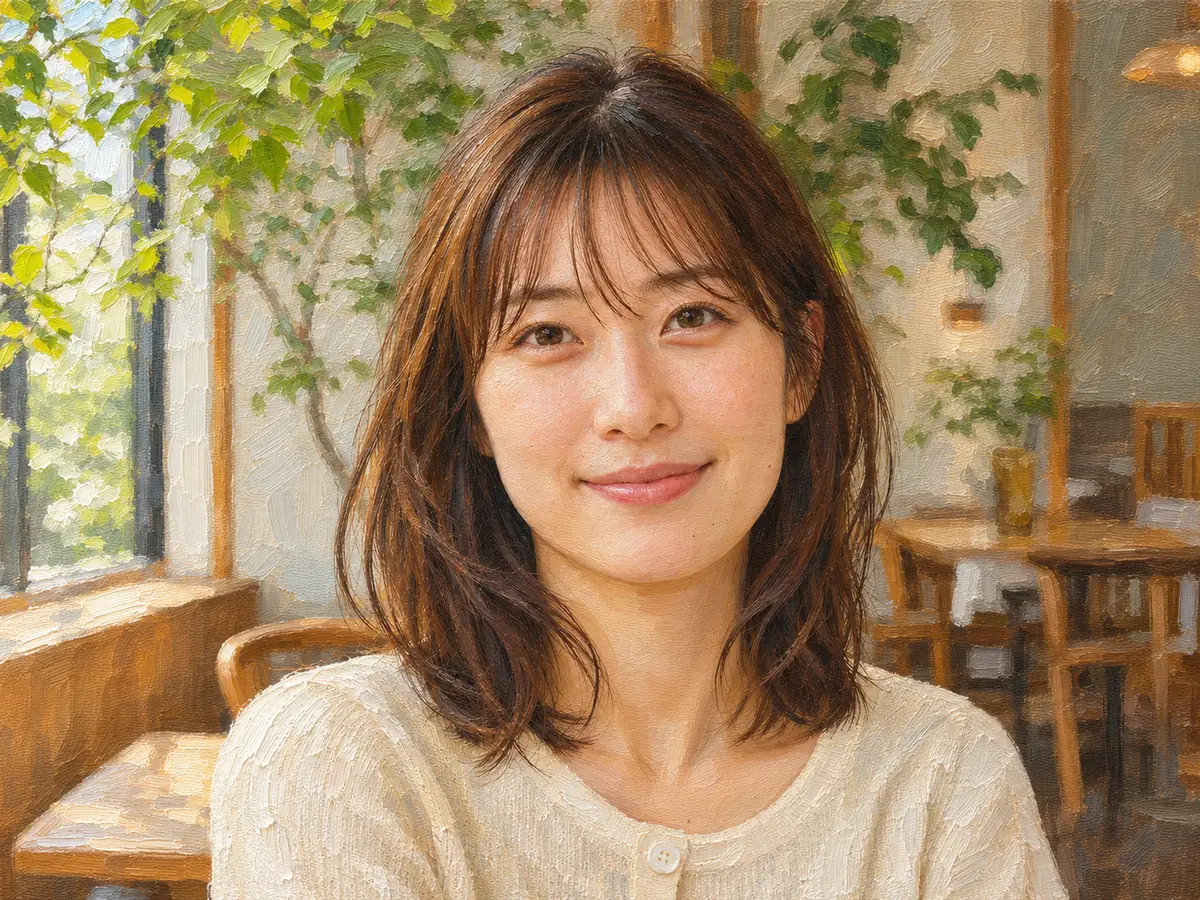
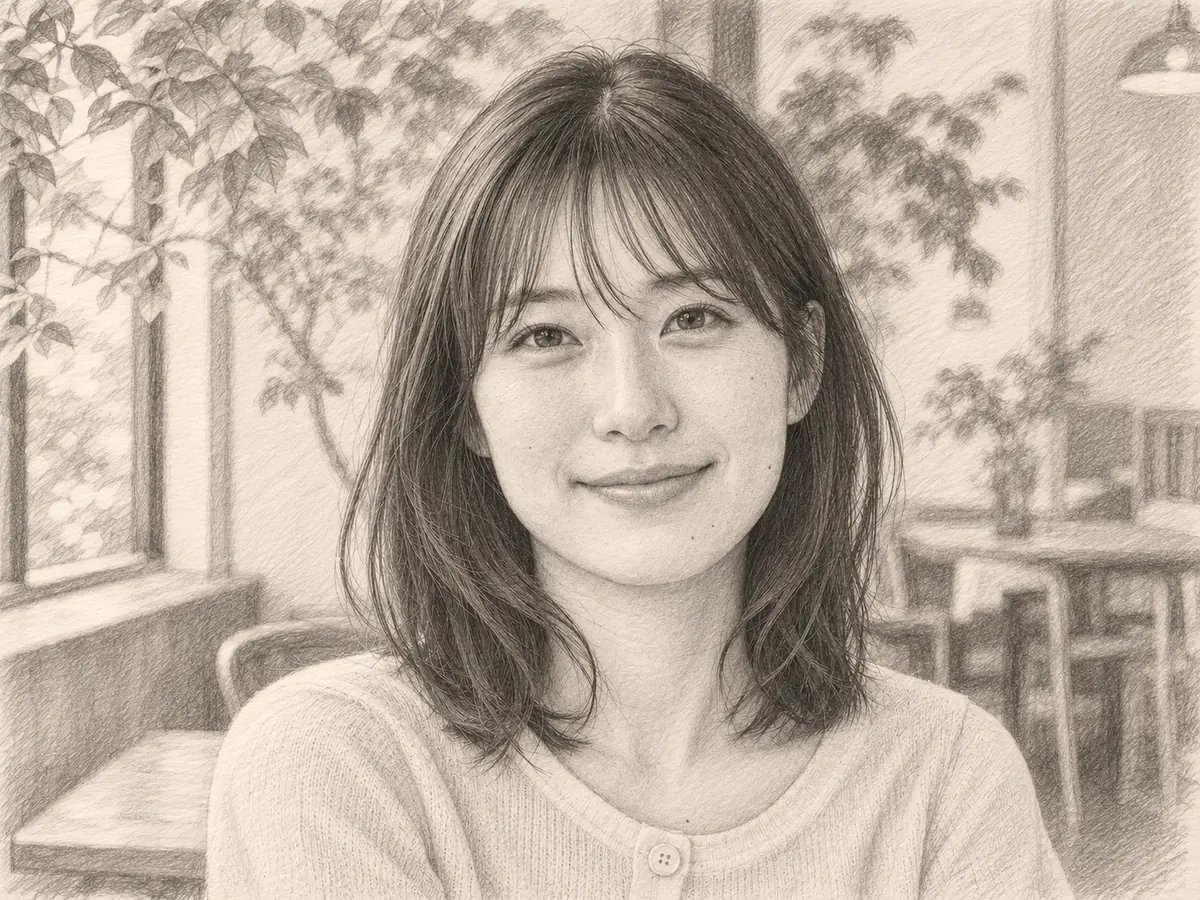
A single-person portrait
Compare the face, hands and pose as the photograph becomes pencil work. A plain background may become a lighter paper-like area with gentle shading.
Photo to sketch
Turn a photo into a pencil sketch with graphite shading and hatching. Start with a portrait, a pet or a place you photographed, and compare the drawn interpretation with the original image.
JPG, PNG, WEBP · up to 15 MB · 40 megapixels
Drop a photo here, or paste from your clipboard
No signup. Private by default.
AI processing uploads your selected photo securely. Files in Enhance Photo storage expire within 24 hours; upstream retention is described in our Privacy Policy.
Illustrative examples show the editing goal. Compare processed results with your original photo.
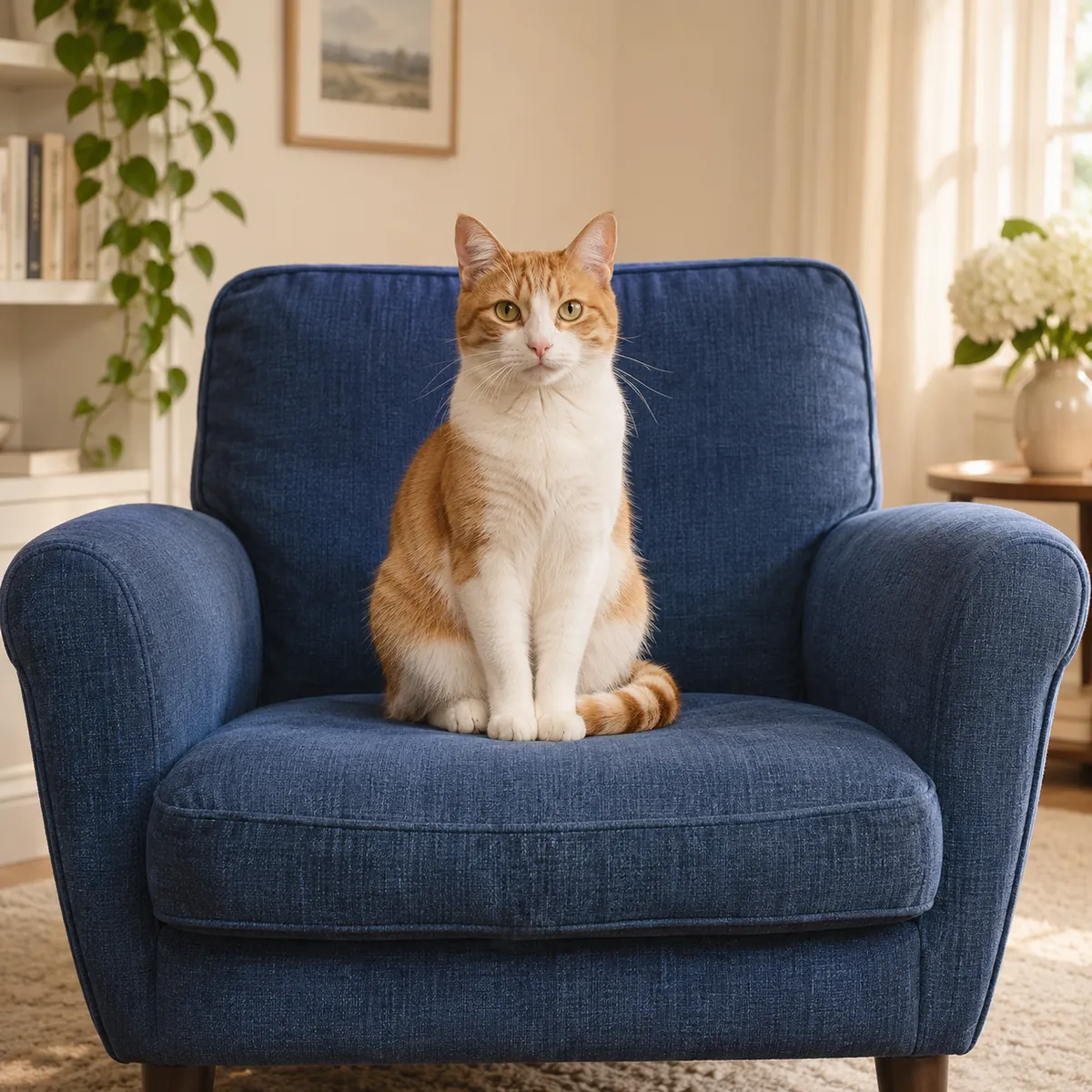
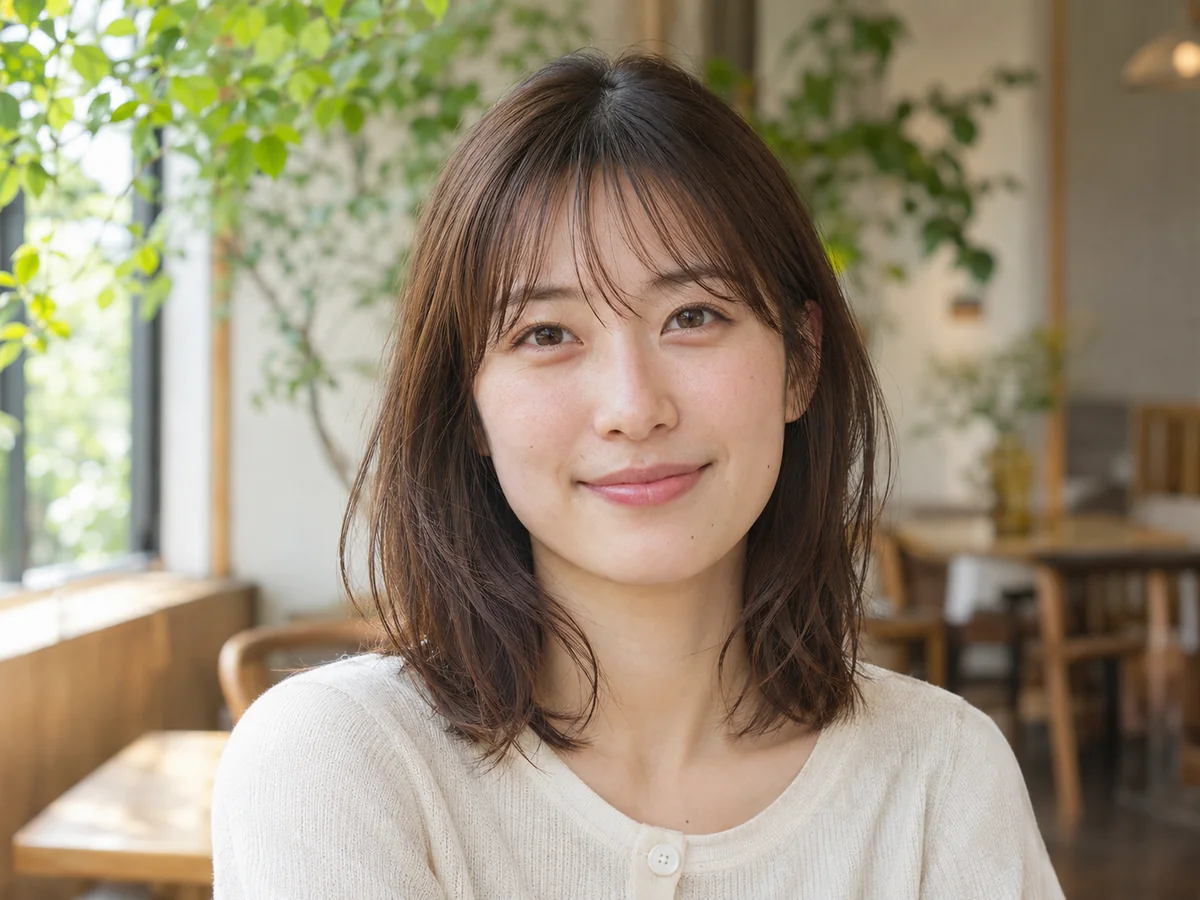
The original portrait preview illustrates the graphite treatment. Use these three scenarios to decide what to inspect in a single portrait, a pair of people or a cat.
Compare the face, hands and pose as the photograph becomes pencil work. A plain background may become a lighter paper-like area with gentle shading.
Inspect both faces and the relationship between them. Flowers, a porch or furniture can also become graphite texture, so review the setting as well as the subjects.
Check the dark and light coat pattern, eyes and outline. Fine pencil strokes can suggest fur while still reinterpreting a small facial detail.
Choose, drop or paste a JPG, PNG or WebP up to 15 MB and 40 megapixels. A sharp subject and useful light make the drawn result easier to evaluate.
Review your output format and start the sketch treatment at 5 credits per image. The whole picture is rendered with black-and-white pencil tones, not simply converted to gray.
Compare the original and sketch with the slider. Check faces, hands and pet markings, then save the 2K digital drawing. Each additional run uses the listed credits.
5 credits per generated drawing, from a pack or a Pro balance.
Choose a photo without registration. AI sketch generation uses paid credits.
JPG, PNG and WebP, within 15 MB and 40 megapixels.
2K, with 2048 pixels on the long side. The full generated image is watermark-free.
AI uploads, results and download links have a 24-hour window.
November 2026
Photo to sketch
The image becomes a graphite-style drawing in black and white, using tonal shading and hatching. People, pets, fabric and the surroundings are interpreted as pencil texture rather than merely passed through an edge-detection filter.
Recognizable people and subjects are the goal, but a model redraws the image. Fine facial features, jewelry, fur patterns and small background details can change. Keep the photograph as your comparison point.
Use this treatment when you want shaded pencil work. For clean outlines without shading, choose Photo to Coloring Page. If you want an oil or watercolor interpretation in color, choose Photo to Painting instead.
Photo to sketch
Start with portraits, couples, pets or buildings with a clear main subject. Visible lighting and shadow help you judge depth, while a subject that occupies enough of the frame gives the drawing more detail to work with.
Photo to sketch
The intended finish is shaded graphite, with the main subject still familiar.
Photo to sketch
Look beyond the overall pencil effect to the features that make the source meaningful.
Photo to sketch
A deliberate source choice makes the result easier to read and compare.
Photo to sketch
Try an oil or watercolor interpretation, or enlarge a selected drawing for the size your layout needs.
Reimagine portraits, pets and places as a painting with expressive color and an artistic finish.
Open toolEnlarge images for clearer presentations, larger layouts and high-resolution photo projects, with options up to 8K.
Open toolChoose another creative treatment, repair a source image or change formats with a free browser converter.
Start with your original image, choose a focused treatment and keep the result that works for you. No signup is needed to select a photo.
Enhance photo