Two-person portraits in oil
Compare both faces, smiles and their relationship in the frame. Oil styling can turn a porch, flowers and clothing into more visible layers of brushwork.
Photo to painting
Turn a photo into a painting of the people, pet or place you already photographed. Choose expressive oil brushwork or soft watercolor washes, then compare the creative interpretation with your original picture.
JPG, PNG, WEBP · up to 15 MB · 40 megapixels
Drop a photo here, or paste from your clipboard
No signup. Private by default.
AI processing uploads your selected photo securely. Files in Enhance Photo storage expire within 24 hours; upstream retention is described in our Privacy Policy.
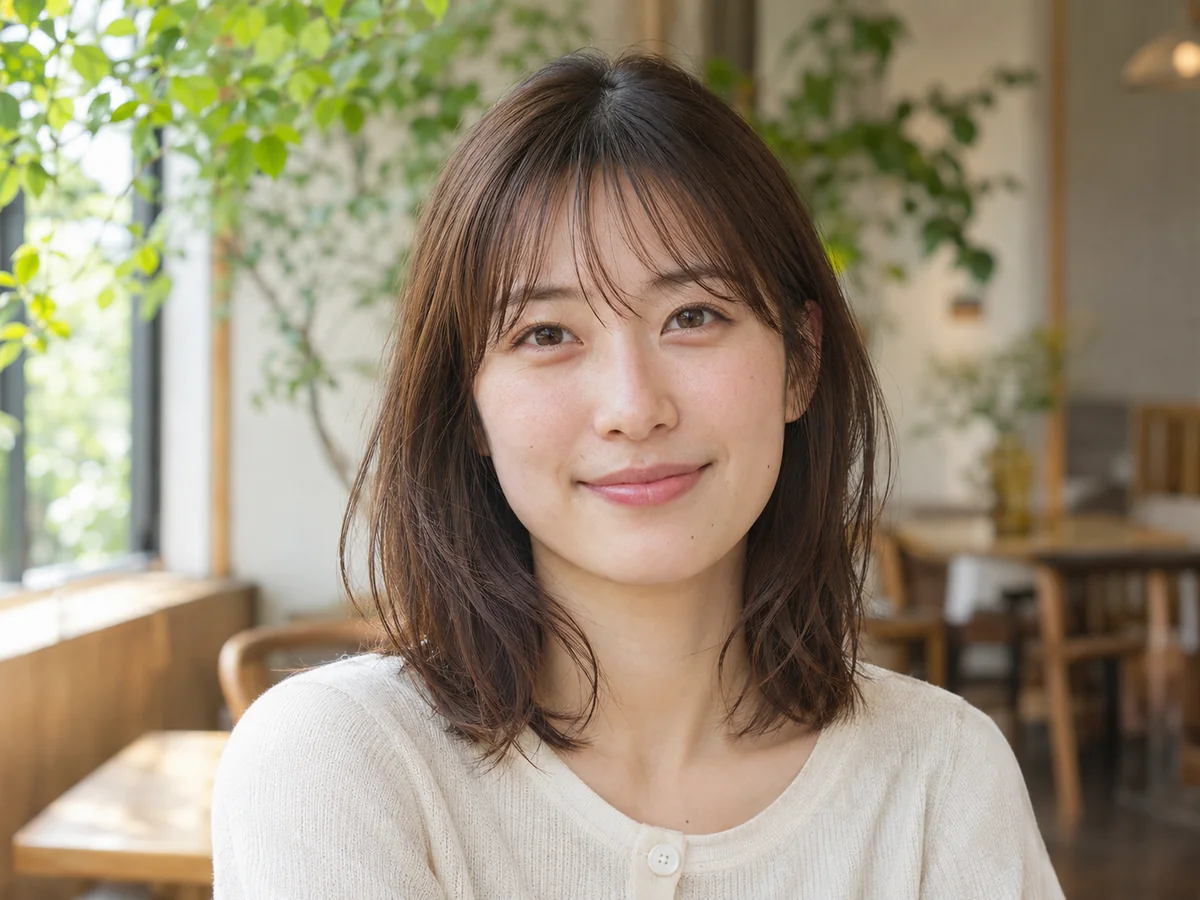
Illustrative examples show the editing goal. Compare processed results with your original photo.
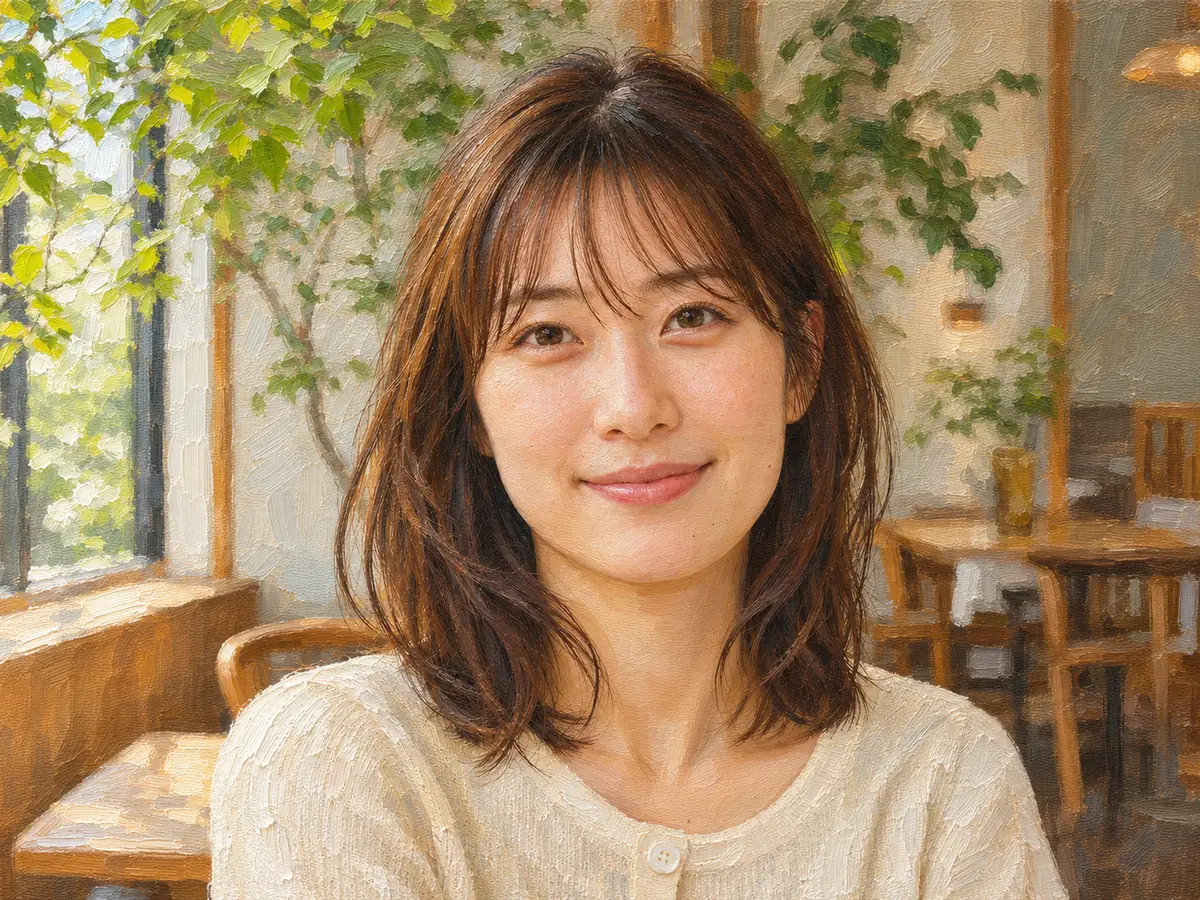
Use the oil and watercolor previews in the workbench to explore the style. These five scenarios explain what to compare in portraits and pet pictures, without treating a painted detail as a faithful photographic copy.
Compare both faces, smiles and their relationship in the frame. Oil styling can turn a porch, flowers and clothing into more visible layers of brushwork.
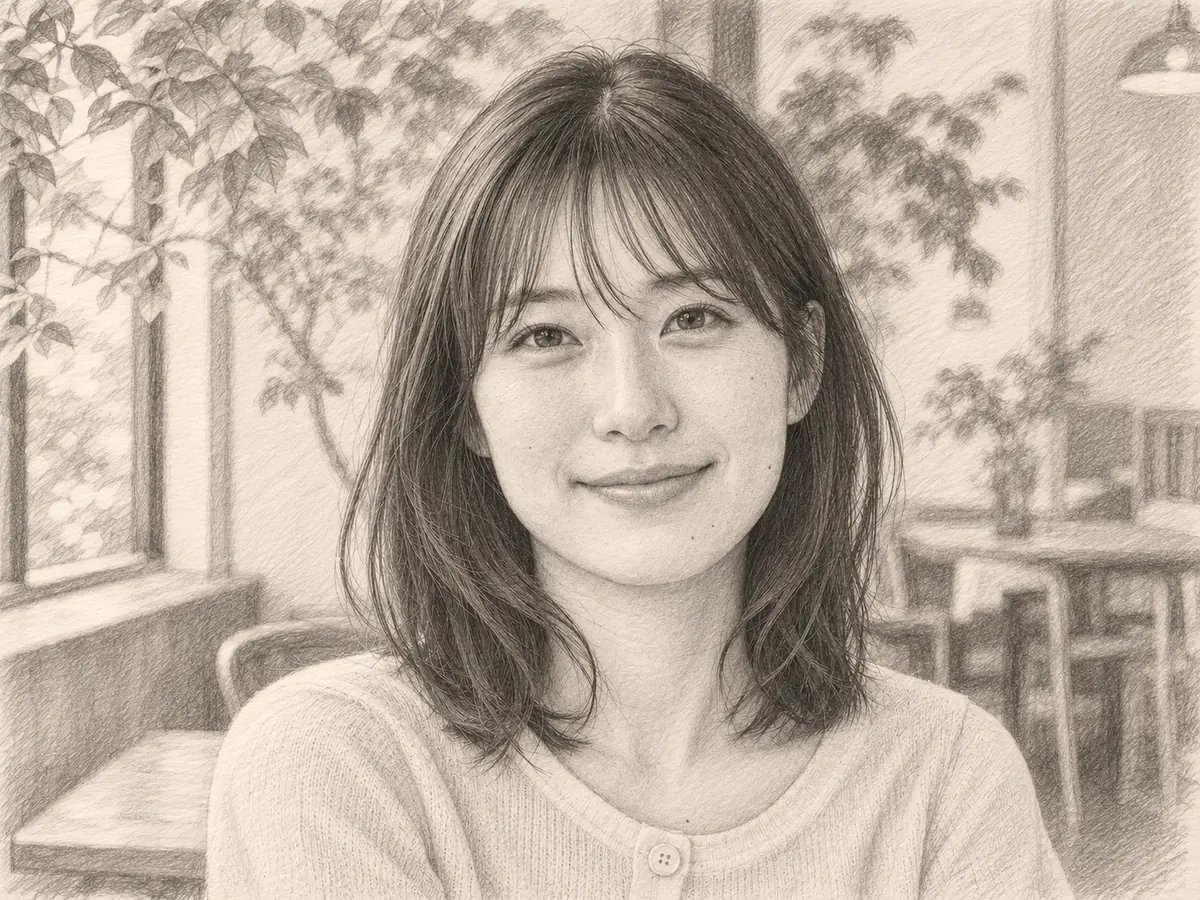
Look for soft color washes and a lighter paper-like appearance. Check the original face and pose as the background becomes looser and more painterly.
Inspect the outline, coat markings and eye color. Richer brushwork can also shift a white or pale fur area toward a warmer shade.
Compare contrasting face patches, eyes and fur boundaries. Softer washes should still be reviewed for the distinctive markings that make your pet familiar.
Review hands, pose and facial features against the source. A plain background can become layered strokes while the person remains the focus.
Choose Oil painting for visible strokes and richer color, or Watercolor for gentle washes and a paper-like finish. No written style prompt is required.
Choose a JPG, PNG or WebP up to 15 MB and 40 megapixels. Review the style and output format, then create the painting at 5 credits per image.
Inspect faces, hands and pet markings with the comparison slider. Save the 2K digital image you prefer. Another generation is a separate credit-based edit.
5 credits per image for either oil or watercolor.
Choose a photo and explore previews without signup. AI painting uses paid credits.
JPG, PNG and WebP, up to 15 MB and 40 megapixels.
2K, with 2048 pixels on the long side. Download the full generated image without a watermark.
AI uploads, outputs and download links expire within 24 hours.
November 2026
Photo to painting
The whole source image is creatively repainted in your chosen style. The aim is to keep the people, pet, pose and composition recognizable while replacing photographic surface detail with oil brushwork or watercolor washes.
Select one of the two styles instead of writing a prompt. Faces and markings are interpreted through the painting process rather than copied pixel for pixel, so keep the photo nearby when reviewing the result.
The digital output is 2K, or 2048 pixels along its longest side. Inspect it at the intended size for a small print. Use upscaling for a larger layout, sketch for a pencil interpretation, or restoration first when the source print is damaged.
Photo to painting
Choose a clear portrait, couple, family group, pet or travel photograph with a recognizable subject. Good light, visible eyes and enough pixels around the main subject give you more detail to evaluate in the painted version.
Photo to painting
Pick the surface and color treatment for the image you want to make.
Photo to painting
An attractive painting can still change a detail you care about. Use the original as the comparison point.
Photo to painting
Choose the source and treatment before planning a print or gift.
Photo to painting
Enlarge a painting for a bigger layout, or create a pencil-style version from your photo with the dedicated sketch tool.
Enlarge images for clearer presentations, larger layouts and high-resolution photo projects, with options up to 8K.
Open toolChoose another creative style, restoration, enhancement or a free local format conversion.
Start with your original image, choose a focused treatment and keep the result that works for you. No signup is needed to select a photo.
Enhance photo