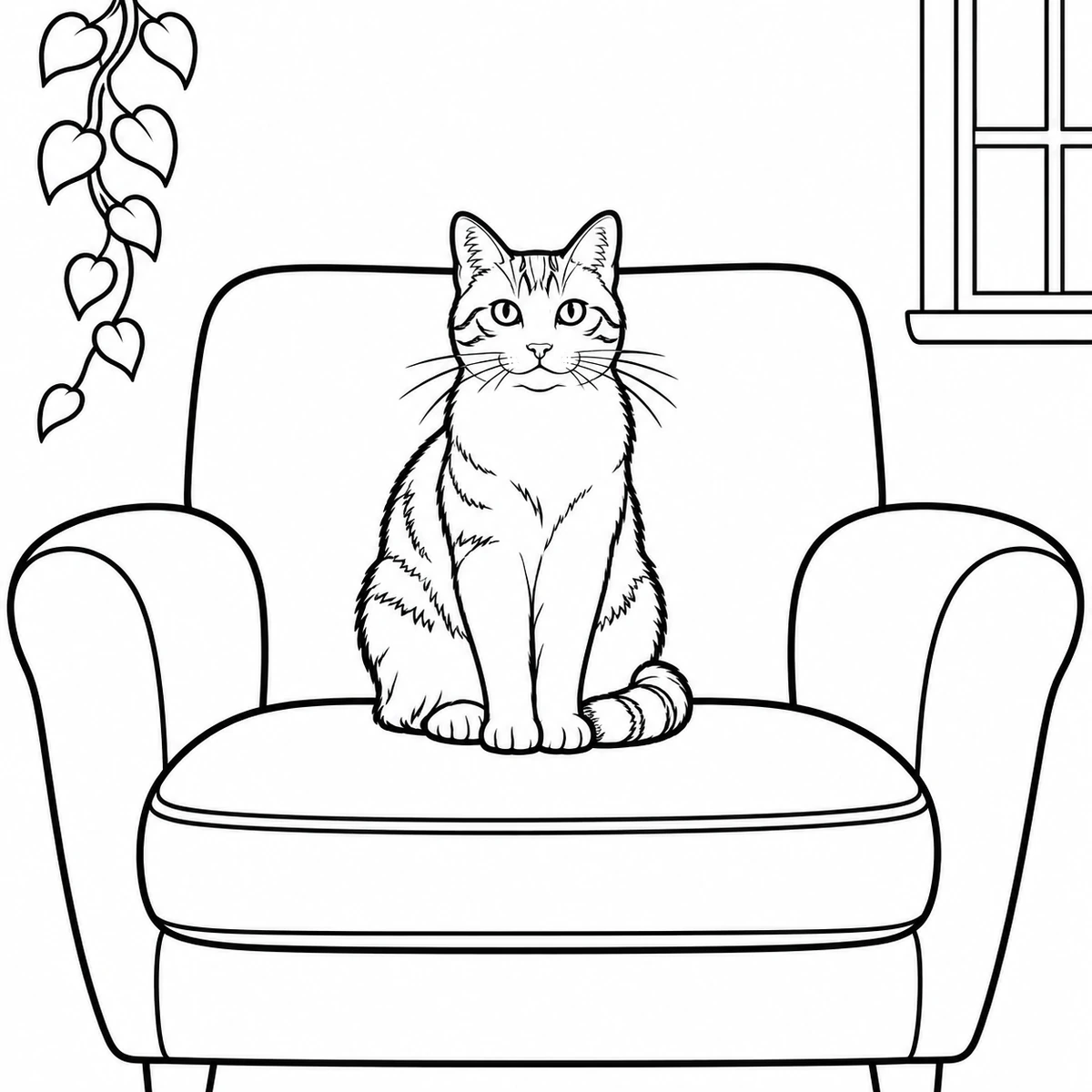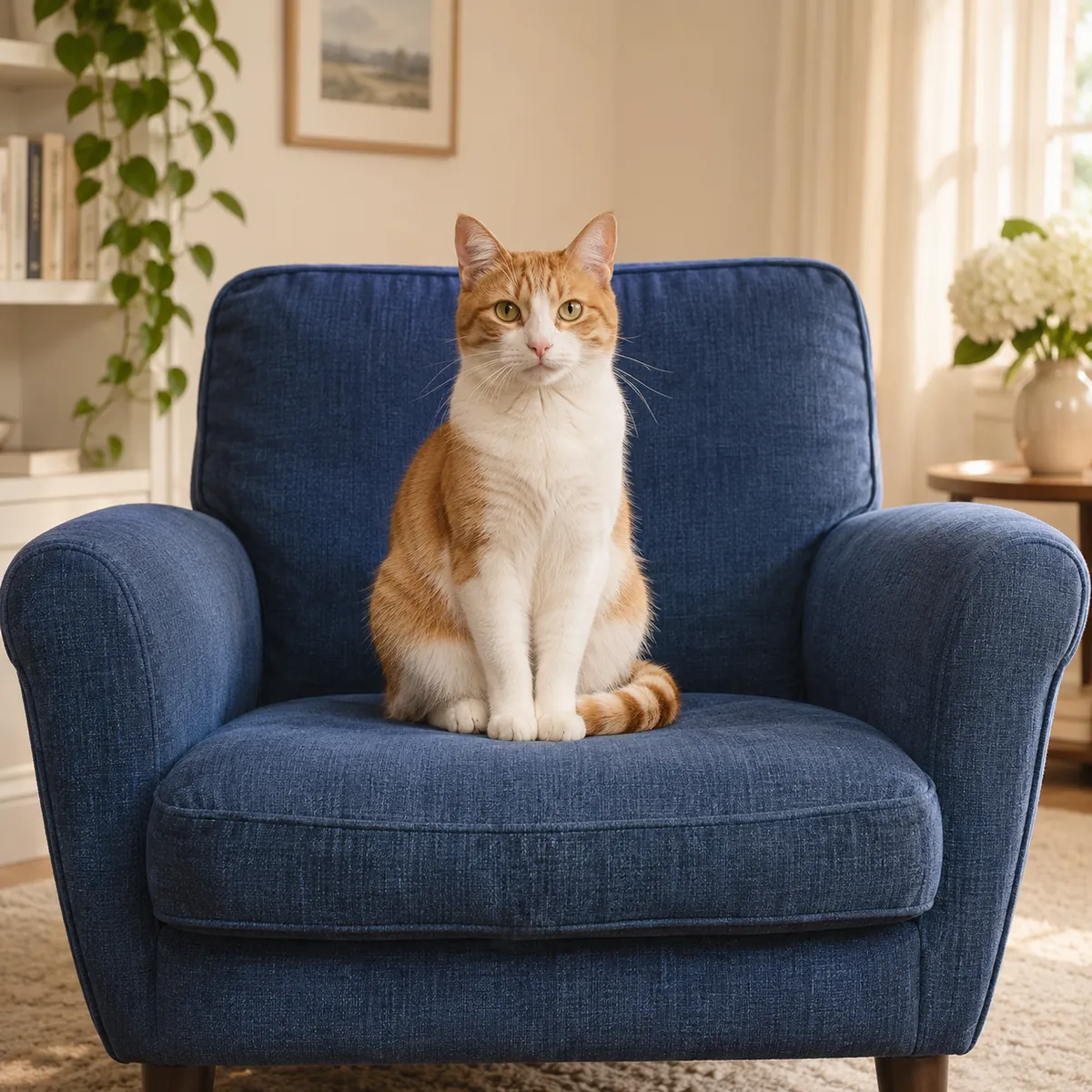
Two people in a familiar setting
Compare both faces, clothing patterns and the surrounding garden or room. Outlines and simpler color areas can keep the scene familiar while changing its fine texture.
Photo to cartoon
Turn a photo of yourself, friends or a pet into a clean cartoon illustration. Keep the existing picture as the starting point, then compare the simplified faces, shapes and colors with your original.
JPG, PNG, WEBP · up to 15 MB · 40 megapixels
Drop a photo here, or paste from your clipboard
No signup. Private by default.
AI processing uploads your selected photo securely. Files in Enhance Photo storage expire within 24 hours; upstream retention is described in our Privacy Policy.
Illustrative examples show the editing goal. Compare processed results with your original photo.
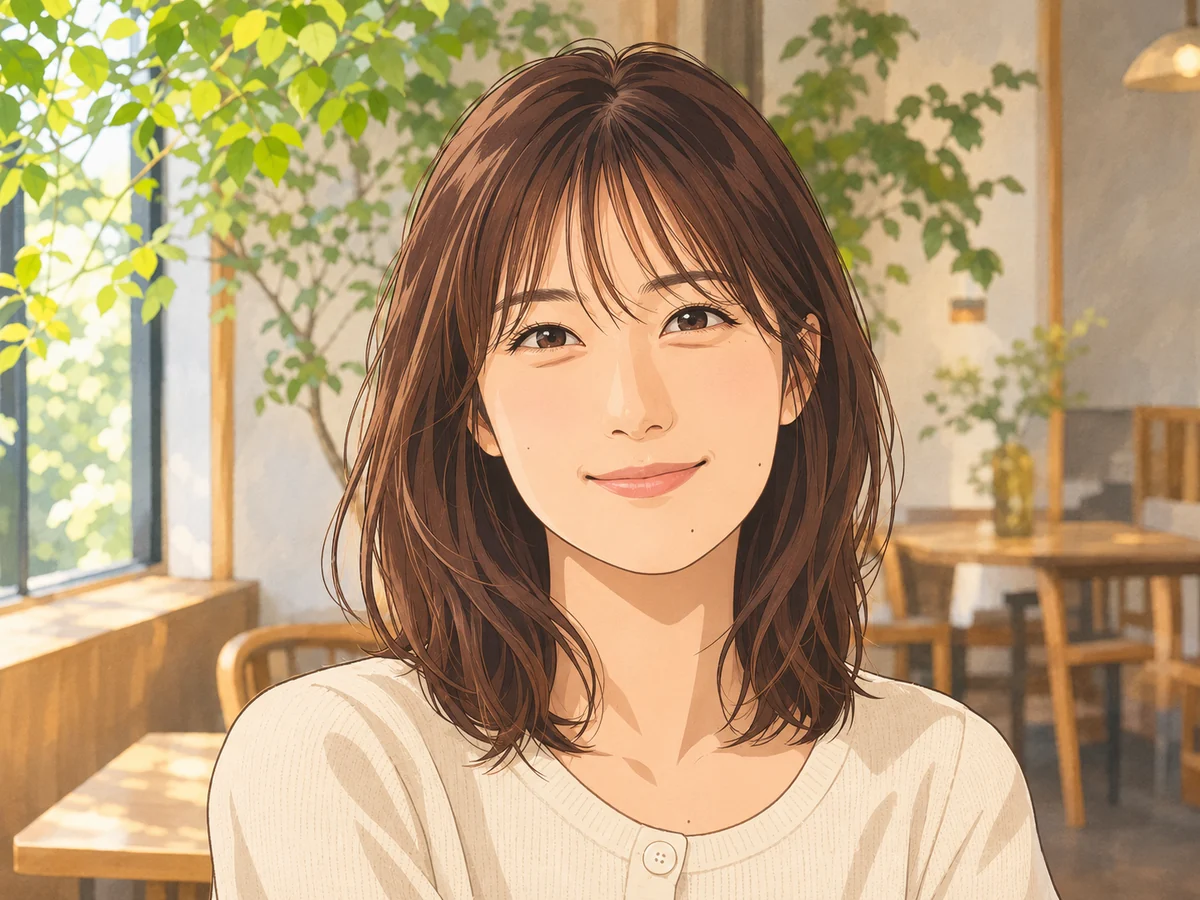
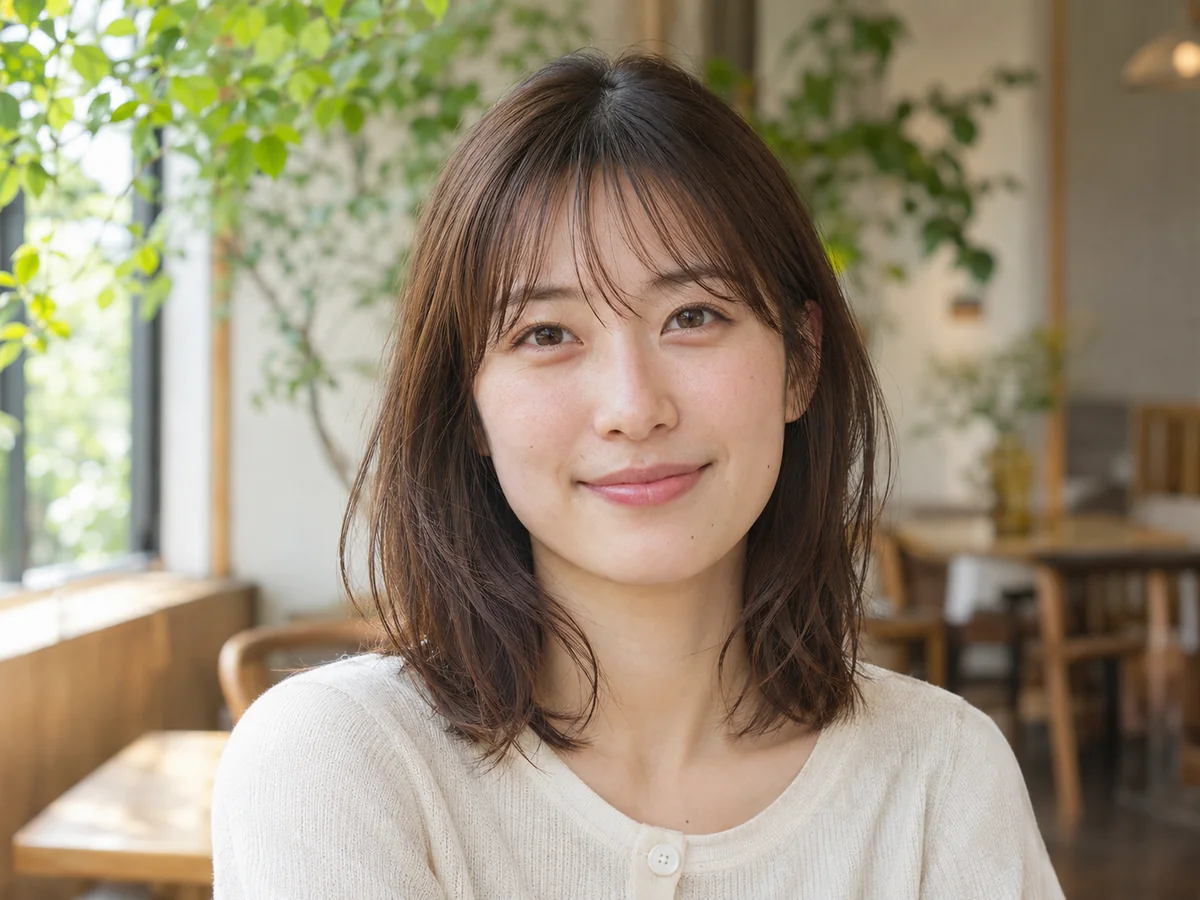
The original portrait preview illustrates the cartoon treatment. Use these three scenarios to decide which details to compare in a pair of people, an individual portrait or a pet.
Compare both faces, clothing patterns and the surrounding garden or room. Outlines and simpler color areas can keep the scene familiar while changing its fine texture.
Inspect the pose, hair and face as photographic detail is simplified. Check whether the background and main colors still work at the size of a profile picture.
Compare dark and light markings, eye color and the pet’s outline. The background may become flatter color while fine fur detail is simplified.
Add a JPG, PNG or WebP up to 15 MB and 40 megapixels. Use a visible person, group or pet with enough detail to inspect after the transformation.
Review the output format and start the single cartoon treatment at 5 credits per image. The whole picture becomes an illustration with simplified shapes and shading.
Move the slider to review faces, clothing and pet markings, then download your preferred 2K image. Another generation is a separate edit at the listed credit cost.
5 credits for the cartoon treatment, from a credit pack or Pro balance.
Choose a photo and view the example without signup. AI generation uses paid credits.
JPG, PNG and WebP, up to 15 MB and 40 megapixels.
2K, with 2048 pixels on the long side. Download the full result without a watermark.
AI uploads, results and download links have a 24-hour window.
November 2026
Photo to cartoon
The photo becomes an illustration with stronger outlines, simplified color areas and light shading. It redraws the people, pets and surrounding scene rather than just changing the file’s color values.
Keeping the subject recognizable is the goal. Compare the pose, hairstyle, clothes, colors and distinctive pet markings, because facial features and fine patterns are deliberately simplified.
Use a chosen illustration in a profile picture, card or a sticker layout where you have the necessary image rights. For a more painterly surface with oil brushwork or watercolor washes, use the separate painting tool.
Photo to cartoon
Start with a clear selfie, couple, group of friends or pet photograph. A visible face and even lighting make the transformation easier to evaluate. Keep the original so you can compare what the illustration has simplified.
Photo to cartoon
Create one illustration per run with the same general cartoon treatment.
Photo to cartoon
Check the features that make the source familiar, not only the overall illustrated appearance.
Photo to cartoon
Give the treatment a clear subject before deciding how to use the result.
Photo to cartoon
Create a coloring page for open outlines, or enlarge a selected cartoon for a bigger layout with the dedicated tool.
Turn a photo into printable line art for a personalized coloring activity.
Open toolEnlarge images for clearer presentations, larger layouts and high-resolution photo projects, with options up to 8K.
Open toolChoose another creative effect, repair or enhance a source image, or use a free browser converter.
Start with your original image, choose a focused treatment and keep the result that works for you. No signup is needed to select a photo.
Enhance photo