Family photographs and albums
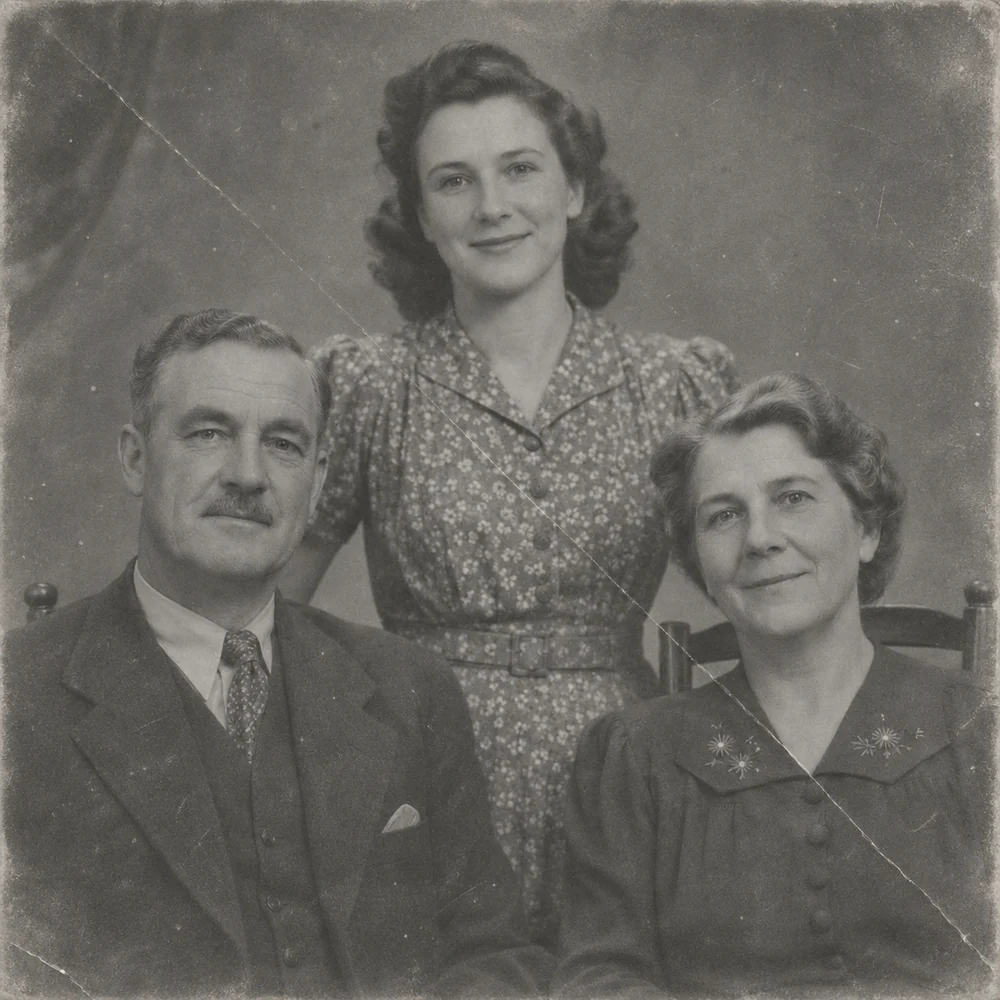
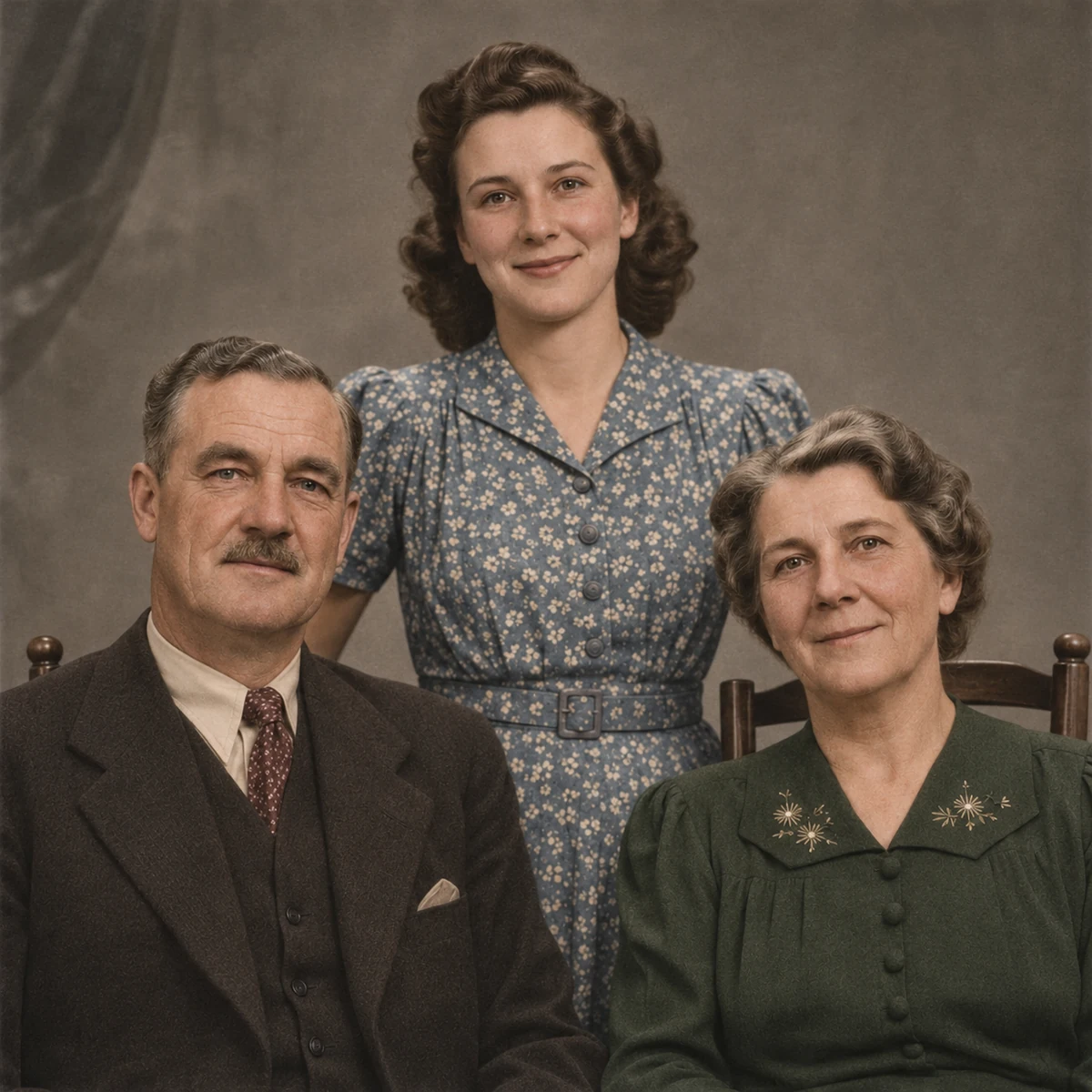
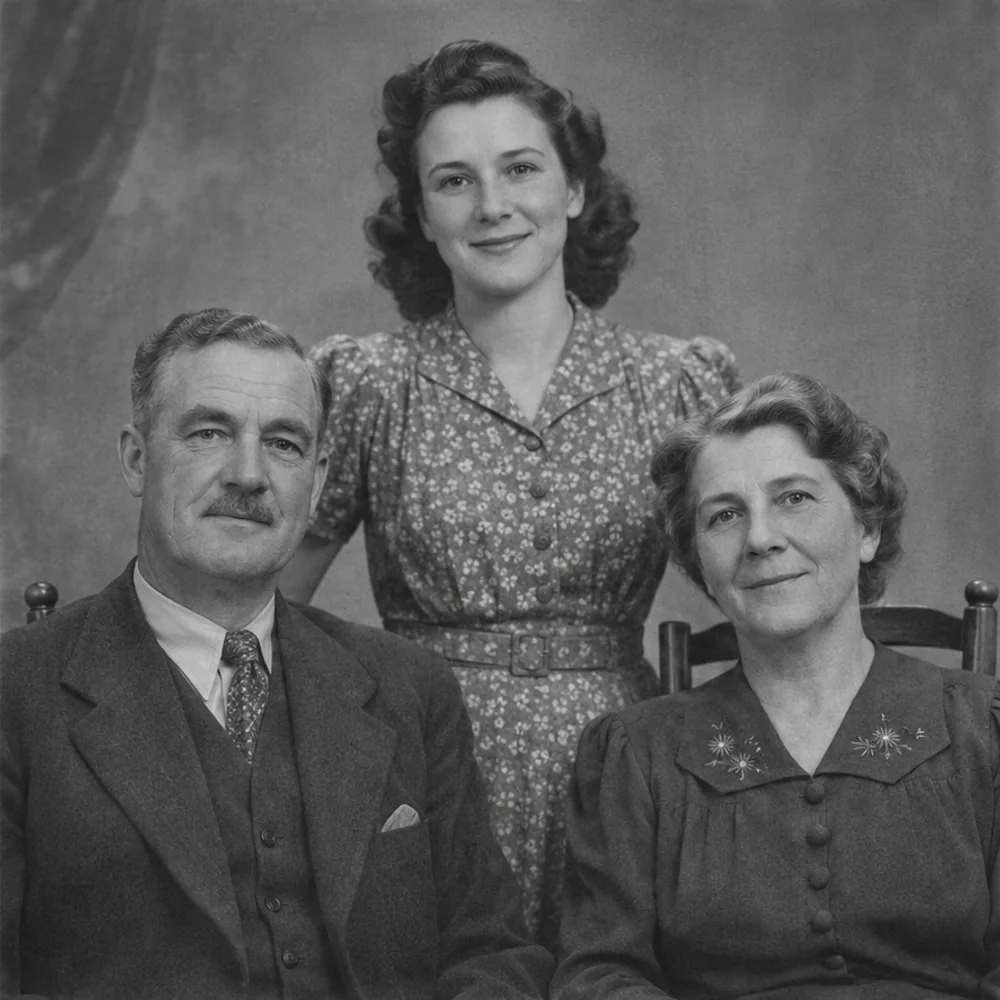
Inspect each person’s skin, hair and clothing, along with flowers and buildings in the background. Keep the monochrome source beside your interpreted color version.
Photo colorizer
Turn a black-and-white photo into a color interpretation with natural-looking skin, clothing, sky and surroundings. Start with an old family photograph, a scan or another grayscale image, then compare the colorized version with your original.
JPG, PNG, WEBP · up to 15 MB · 40 megapixels
Drop a photo here, or paste from your clipboard
No signup. Private by default.
AI processing uploads your selected photo securely. Files in Enhance Photo storage expire within 24 hours; upstream retention is described in our Privacy Policy.
Illustrative examples show the editing goal. Compare processed results with your original photo.
The original family-photo preview illustrates the editing goal. Explore six ways to assess colorization, including what to compare when choosing Standard or Pro. Colors are predictions, not a record of the original scene.
Inspect each person’s skin, hair and clothing, along with flowers and buildings in the background. Keep the monochrome source beside your interpreted color version.
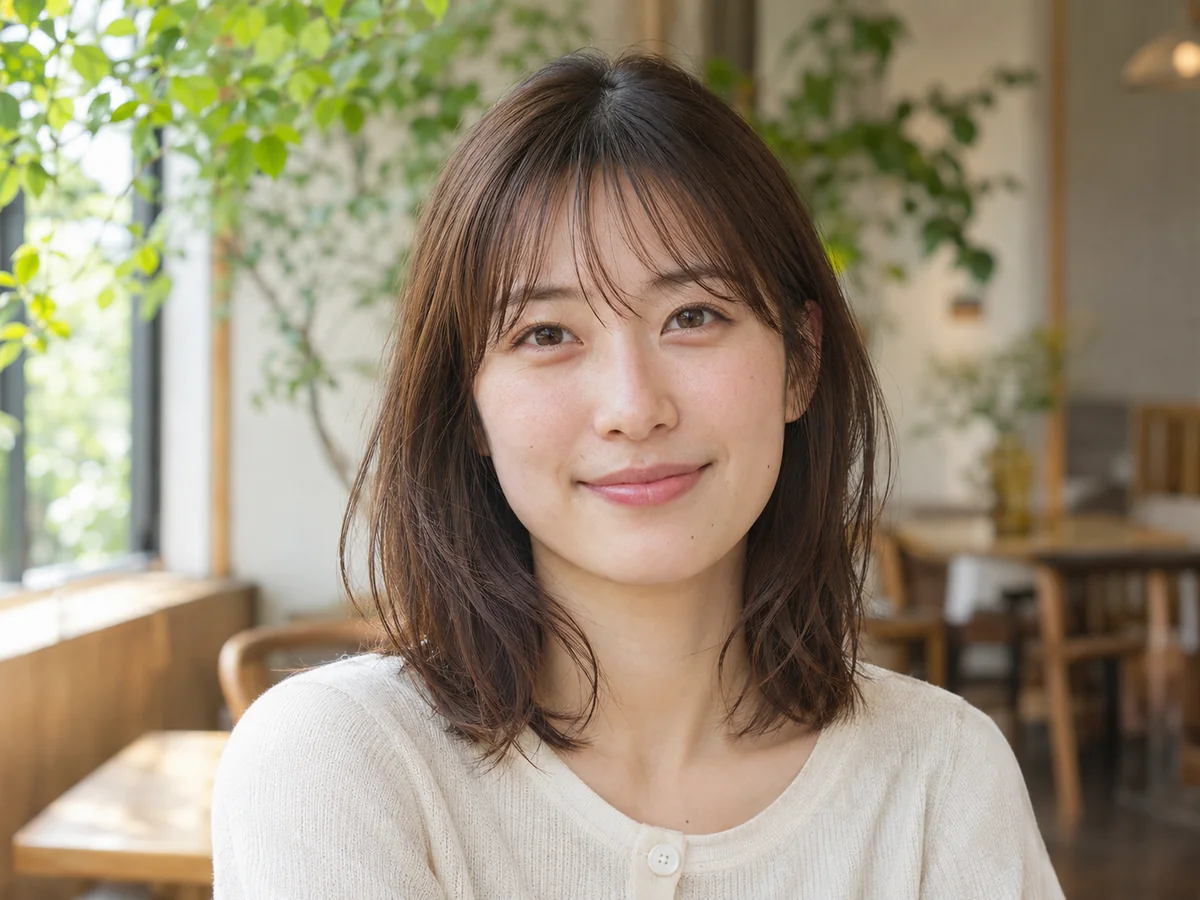
Look for believable skin and hair tones, balanced whites and a consistent background. A strong source with visible detail gives you more to judge.
Check the person and surrounding brickwork, clothing and objects. A believable hat or vehicle color can still differ from its real historical shade.
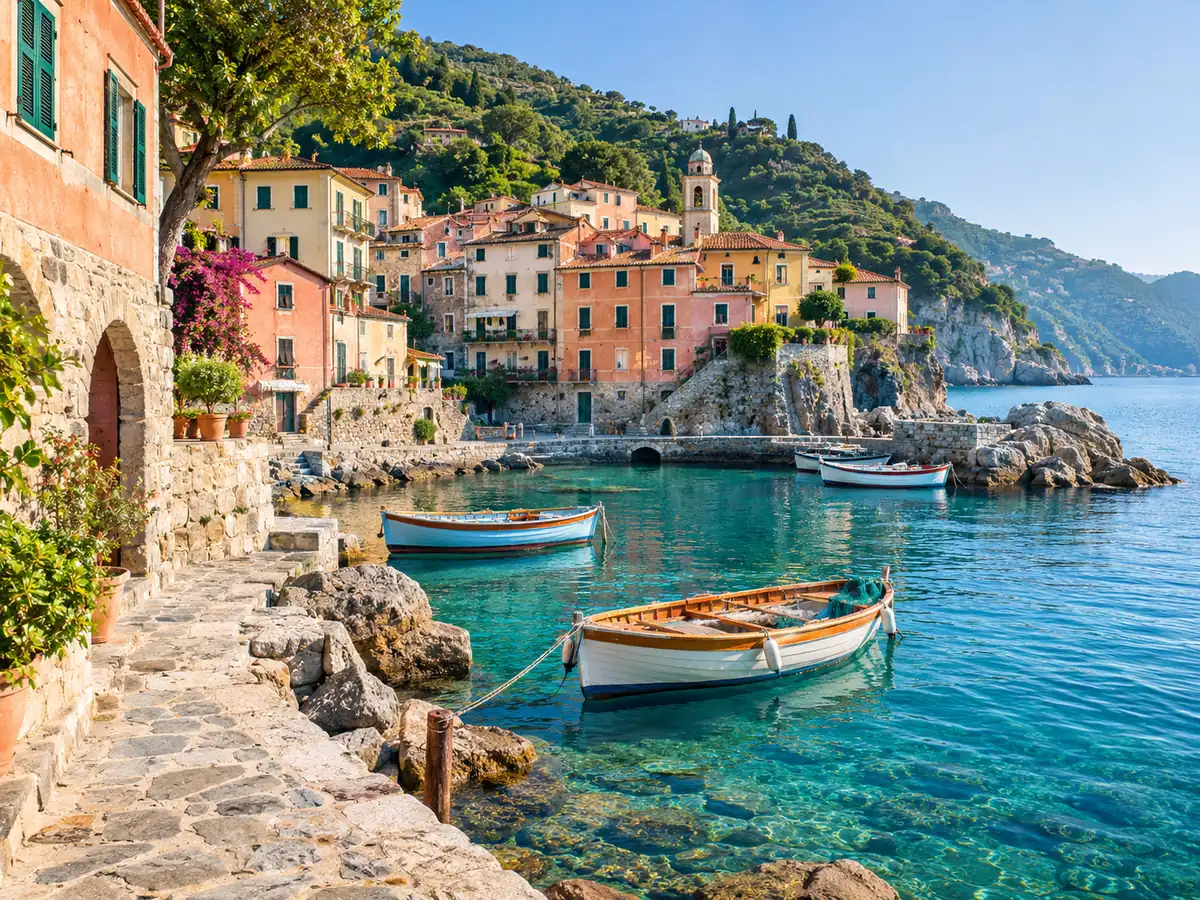
Review sky, plants, stone and haze together. Predicted color can make a scene feel warmer, cooler or like a different time of day.
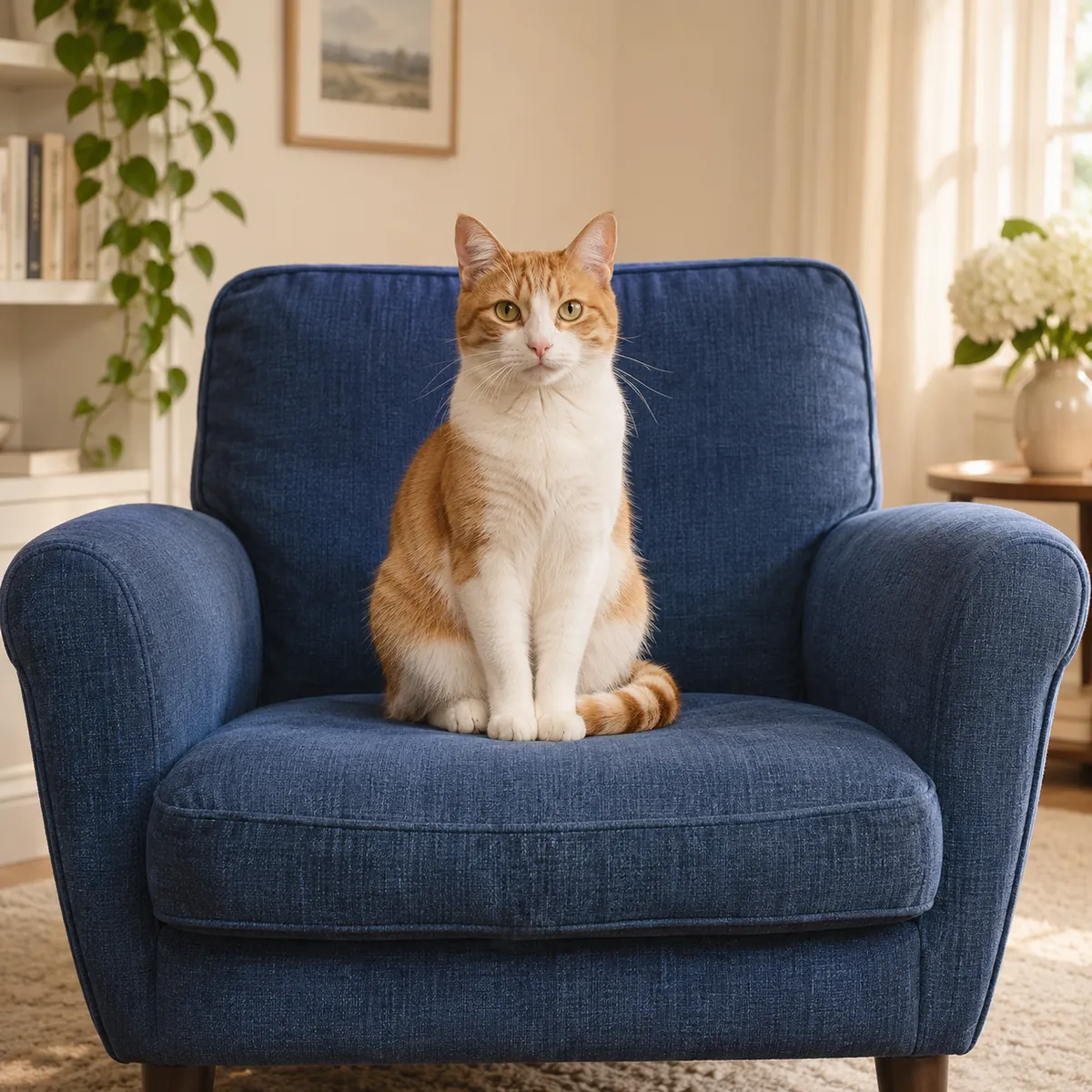
Compare facial color, neutral highlights and any orange or pink cast on the same source. Choose the model for the treatment you prefer, rather than assuming every image responds identically.
Inspect whether different outfits receive distinct, plausible colors and whether one dominant tint spreads across the scene. Review each family member separately.
Add a black-and-white scan, a photograph of an old print or another grayscale image as JPG, PNG or WebP. The limits are 15 MB and 40 megapixels.
Choose Standard at 4 credits or Pro at 8. Colorization assigns plausible tones to the visible people, clothing and surroundings rather than applying one color wash.
Use the comparison slider to inspect the same image in monochrome and color. Check skin, neutral areas and small details, then download the version you want to keep.
Standard: 4 credits; Pro: 8 credits per image.
Choose and preview without signup. AI colorization uses paid credits.
JPG, PNG and WebP, up to 15 MB and 40 megapixels.
Both purchasing options access the same colorization models and per-run rates.
AI uploads, results and download links expire within 24 hours.
November 2026
Photo colorizer
A grayscale photograph preserves brightness and detail, but not a reliable record of every original color. Colorization uses that visible context to create plausible tones for skin, hair, clothing, plants, sky, water and buildings.
The goal is a color version of the same photograph, with recognizable faces, the same poses and a familiar composition. Different areas receive their own tones instead of a single overall tint. Compare fine details as well as color, because an AI treatment can reinterpret parts of an image.
Keep the monochrome file and save colorized edits separately. If you need more clarity or a larger file for a frame or layout, make that a distinct enhancement or upscaling step and review the output again.
Photo colorizer
Try family albums, wedding photographs, monochrome portraits, historical street scenes, landscapes, architecture and black-and-white film scans. A sharp, evenly exposed source makes skin and object boundaries easier to interpret. Repair physical damage or address softness before adding color.
Photo colorizer
Repair a damaged source, refine clarity, enlarge the result or extend the framing with a dedicated tool. Image-origin analysis can support a review but does not prove authenticity.
Repair faded, scratched and worn family photos while keeping the character of the original picture.
Open toolEnhance photo quality online. Unblur, sharpen and restore old photos, then upscale to 4K. No signup, no face changes, files deleted in 24 hours.
Open toolEnlarge images for clearer presentations, larger layouts and high-resolution photo projects, with options up to 8K.
Open toolExtend an image beyond its original edges to fit a new aspect ratio or leave room for a layout.
Open toolUse image-origin analysis as a signal to support your own review, with clear limits around certainty.
Open toolChoose restoration, enhancement, enlargement, creative editing or free local format conversion for your next task.
Start with your original image, choose a focused treatment and keep the result that works for you. No signup is needed to select a photo.
Enhance photo