Familiar faces, clearer detail
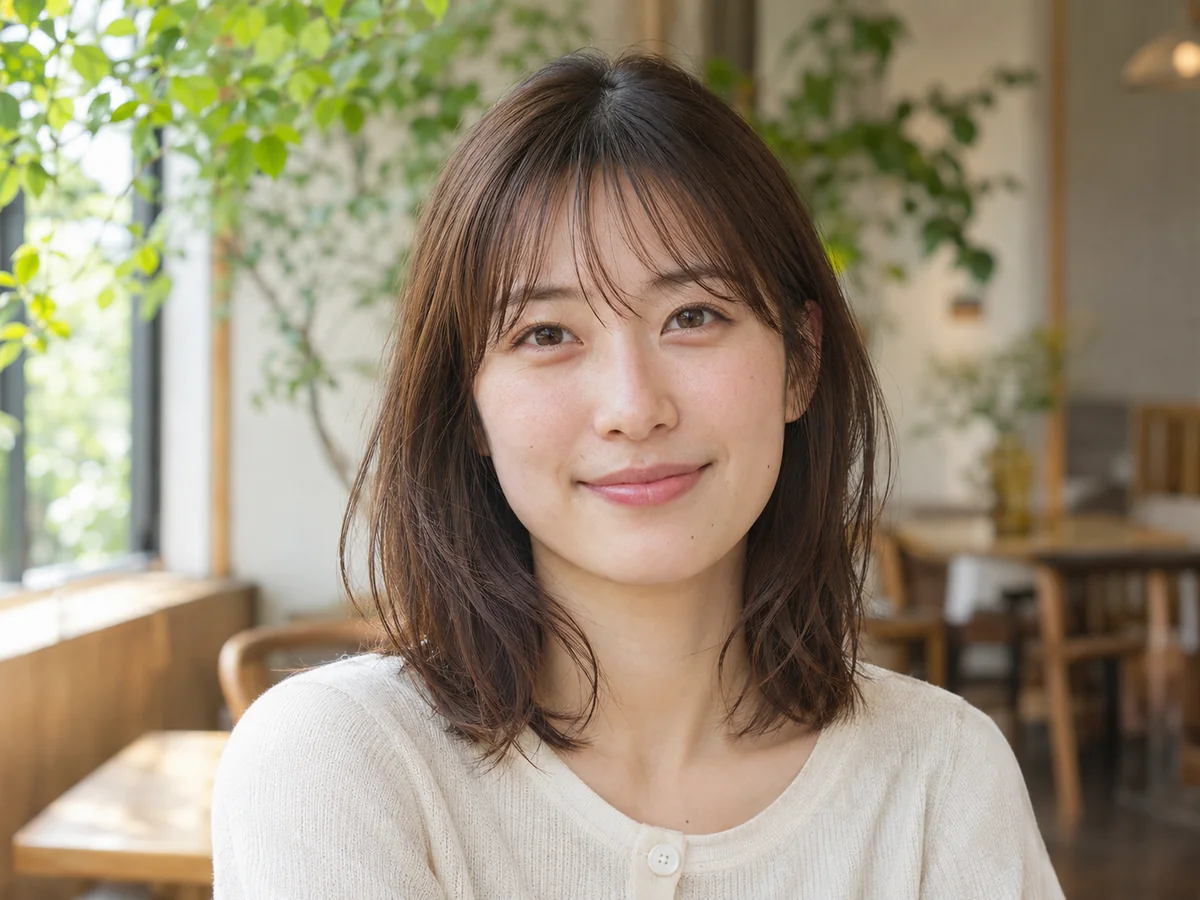
Look for more defined eyes, hair and skin texture while checking that the portrait still looks like the person in your original.
Unblur image
Unblur an image with AI to bring soft faces, product edges and everyday details into clearer focus. Start with your existing photo, compare the same frame before and after, and keep the people and composition recognizable.
JPG, PNG, WEBP · up to 15 MB · 40 megapixels
Drop a photo here, or paste from your clipboard
No signup. Private by default.
AI processing uploads your selected photo securely. Files in Enhance Photo storage expire within 24 hours; upstream retention is described in our Privacy Policy.
Illustrative examples show the editing goal. Compare processed results with your original photo.
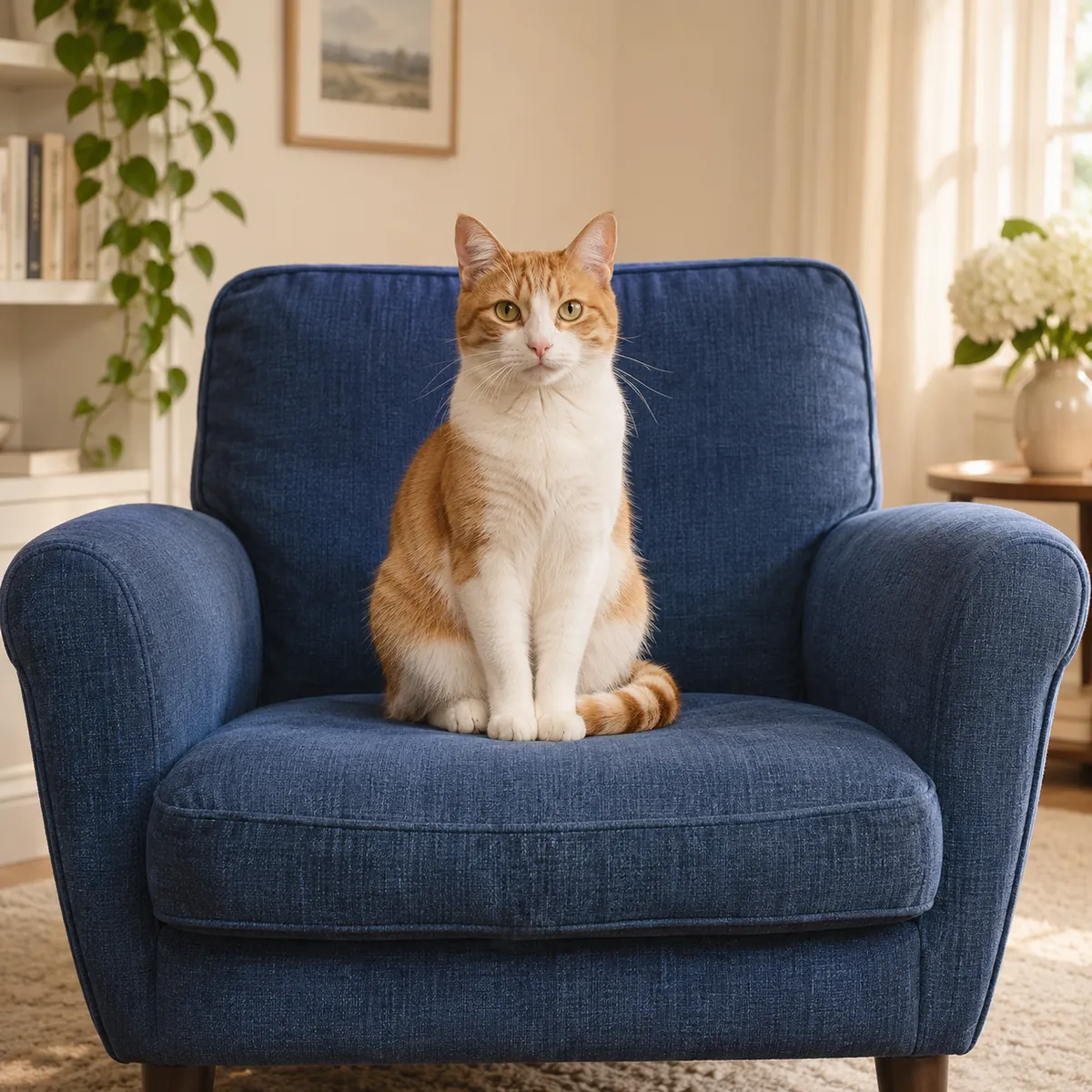
Portraits, product shots and old prints need attention in different places. These illustrative comparisons show what to inspect when you sharpen your own image.
Look for more defined eyes, hair and skin texture while checking that the portrait still looks like the person in your original.
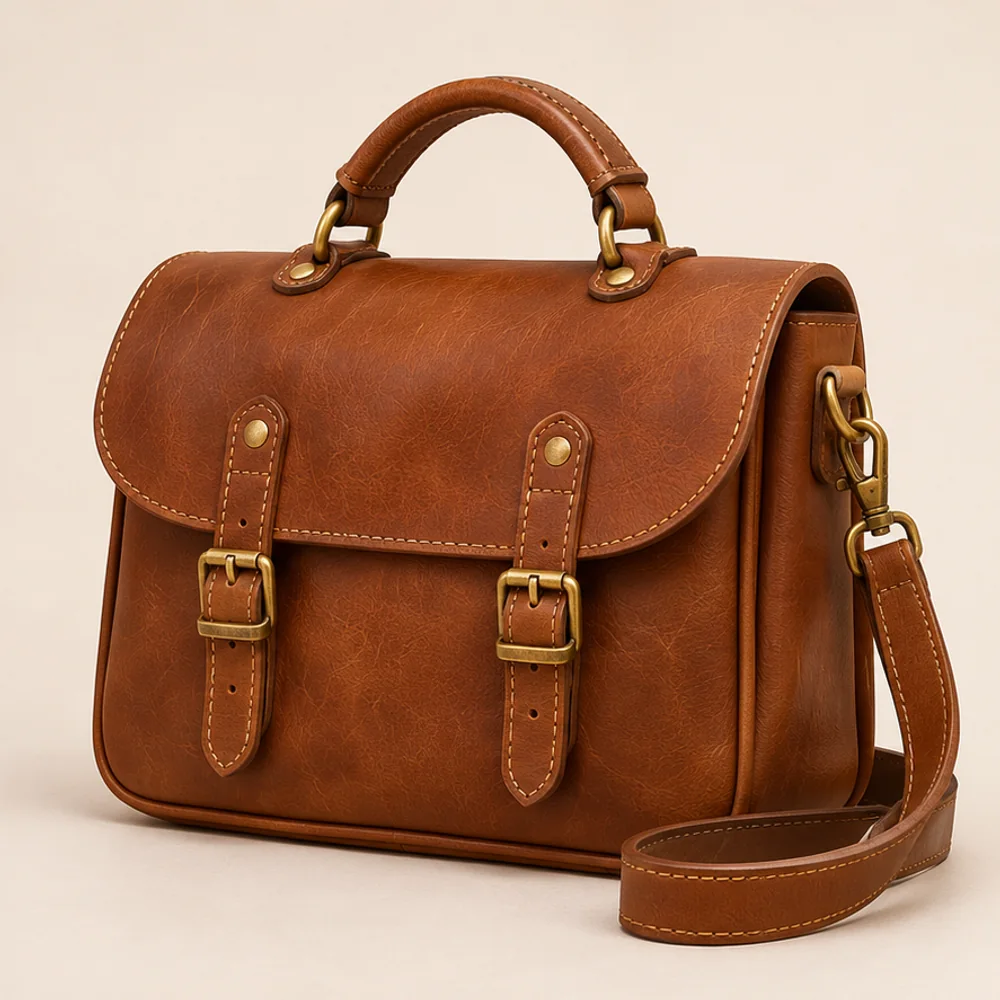
Inspect outlines, stitching and material. Compare any lettering or logo with the source rather than assuming reconstructed marks are accurate.
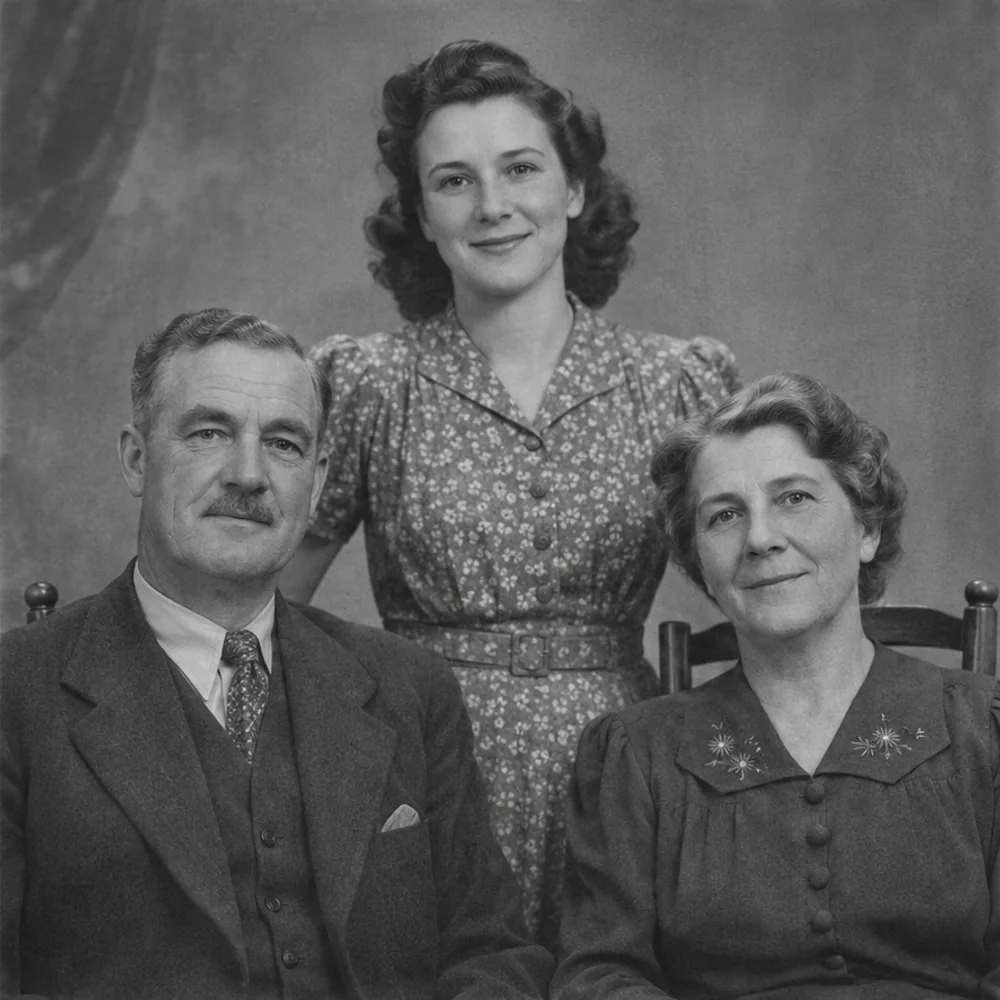
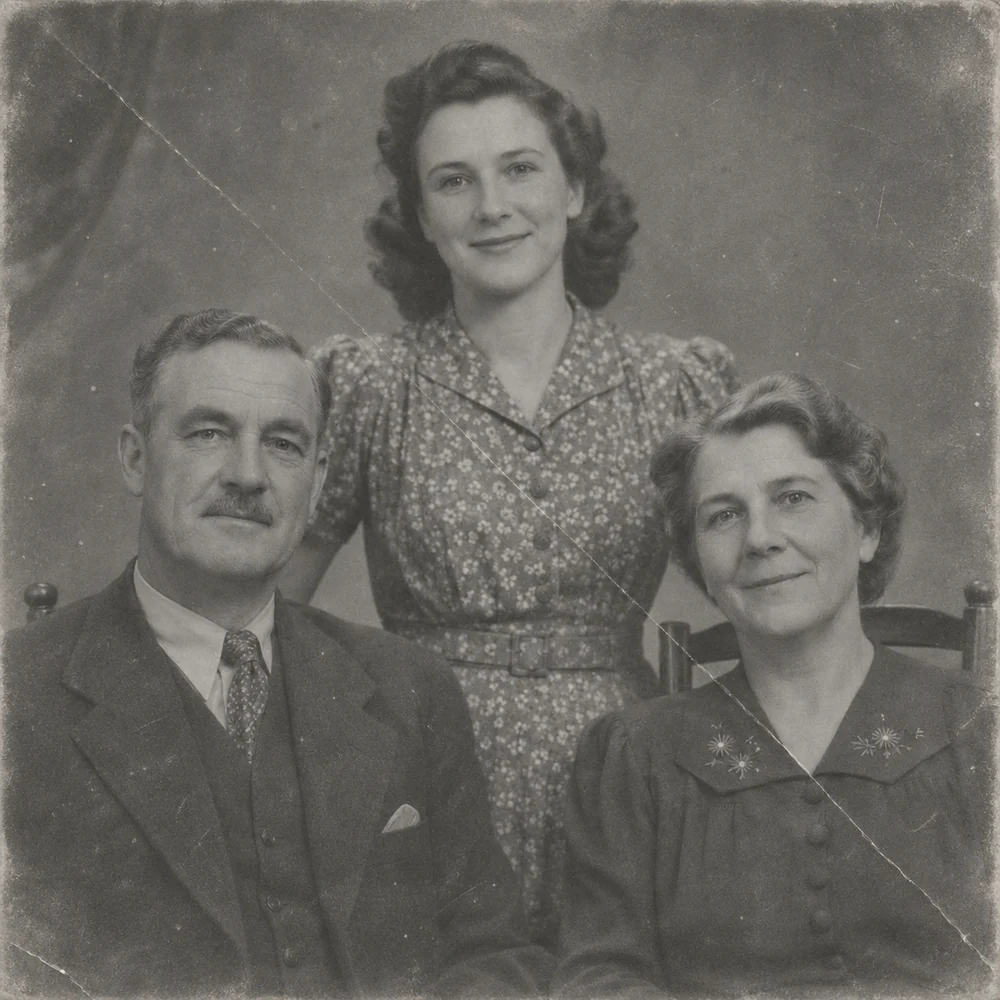
Start with a clean scan to improve softness. If the print also has scratches, torn areas or creases, choose the restoration tool for that damage.
Choose, drop or paste a JPG, PNG or WebP up to 15 MB and 40 megapixels. Use the original camera file or scan when possible, rather than a repeatedly compressed copy.
Select Standard for general clarity or Pro for finer texture and color. The workbench also offers 4K enhancement. Review the chosen mode and its credit cost before processing.
Move the comparison slider across the same image. Check faces, lettering and edges at full size, then download the watermark-free result before its file link expires.
Standard: 4 credits; Pro: 6; 4K enhancement: 40.
Choose and preview without signing up. AI processing uses paid credits.
JPG, PNG and WebP, up to 15 MB and 40 megapixels.
Use a one-time credit pack or Pro. Both give access to the same model choices.
AI uploads and results are deleted within 24 hours. Save the files you want to retain.
November 2026
Unblur image
A photo can look soft because focus missed the subject, the camera moved, light was limited or a messaging app compressed the file. Enhancement can make edges and textures easier to distinguish; using a larger, cleaner source gives it more information to work with.
Use this tool for portraits, pets, objects, landscapes and ordinary phone pictures. The goal is a clearer version of your existing frame, with recognizable people and a familiar composition, rather than a new scene or a face replacement.
Compare the result with your original, especially where AI has estimated fine detail. Processing files have a 24-hour deletion window. We do not use uploads to train our own models; the Privacy Policy explains service-provider handling.
Unblur image
Try a mildly shaky phone shot, a portrait with slightly missed focus, a dim snapshot, a soft product outline or a photo softened by chat-app compression. Clearer source detail gives you more to evaluate. For a worn scan with physical damage, photo restoration addresses a different editing goal.
Unblur image
Need a larger output or a repair for a damaged print? Choose a focused follow-up tool and inspect that result separately.
Enlarge images for clearer presentations, larger layouts and high-resolution photo projects, with options up to 8K.
Open toolRepair faded, scratched and worn family photos while keeping the character of the original picture.
Open toolUse a dedicated tool for the next task, or choose a free local converter when you only need a different file format.
Start with your original image, choose a focused treatment and keep the result that works for you. No signup is needed to select a photo.
Enhance photo