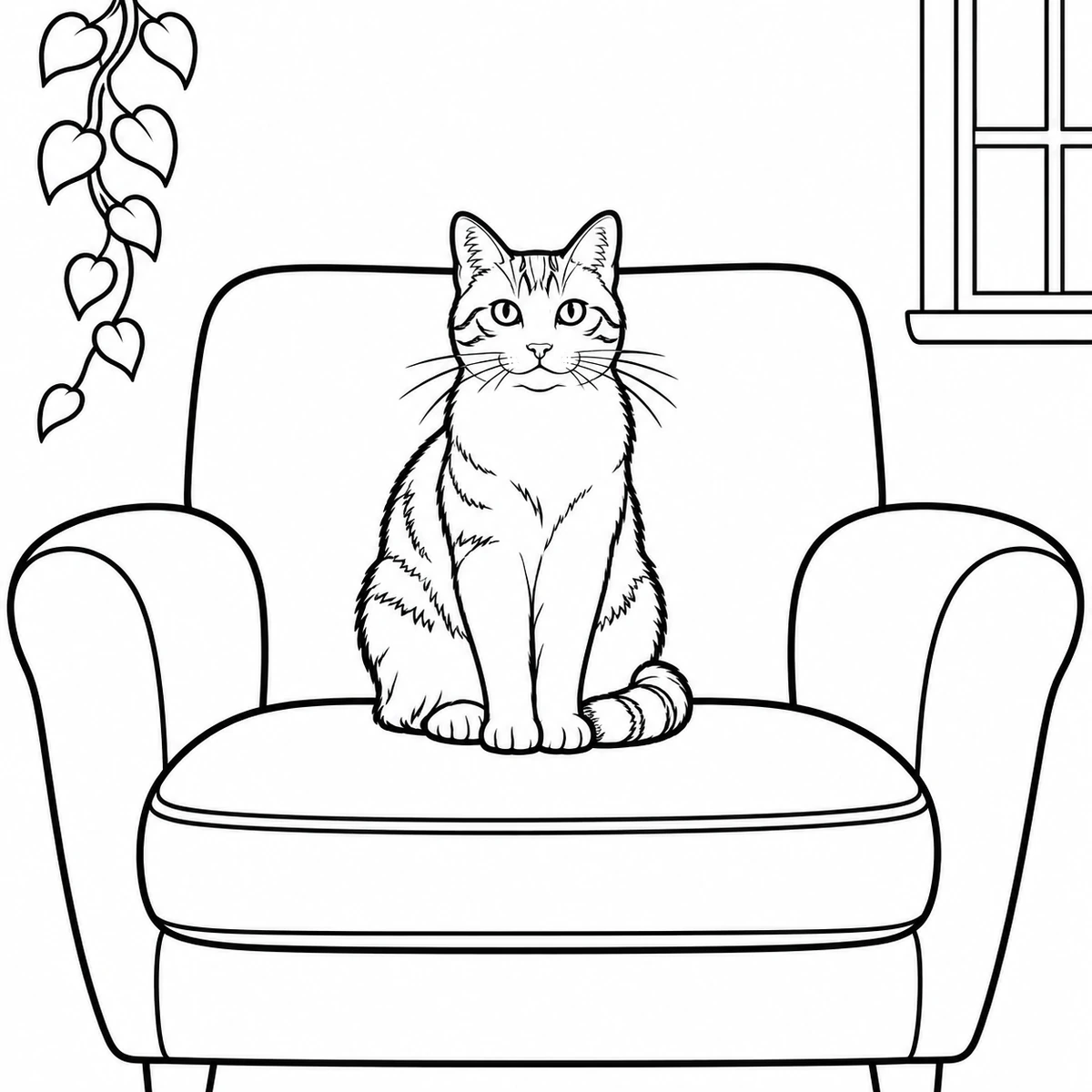
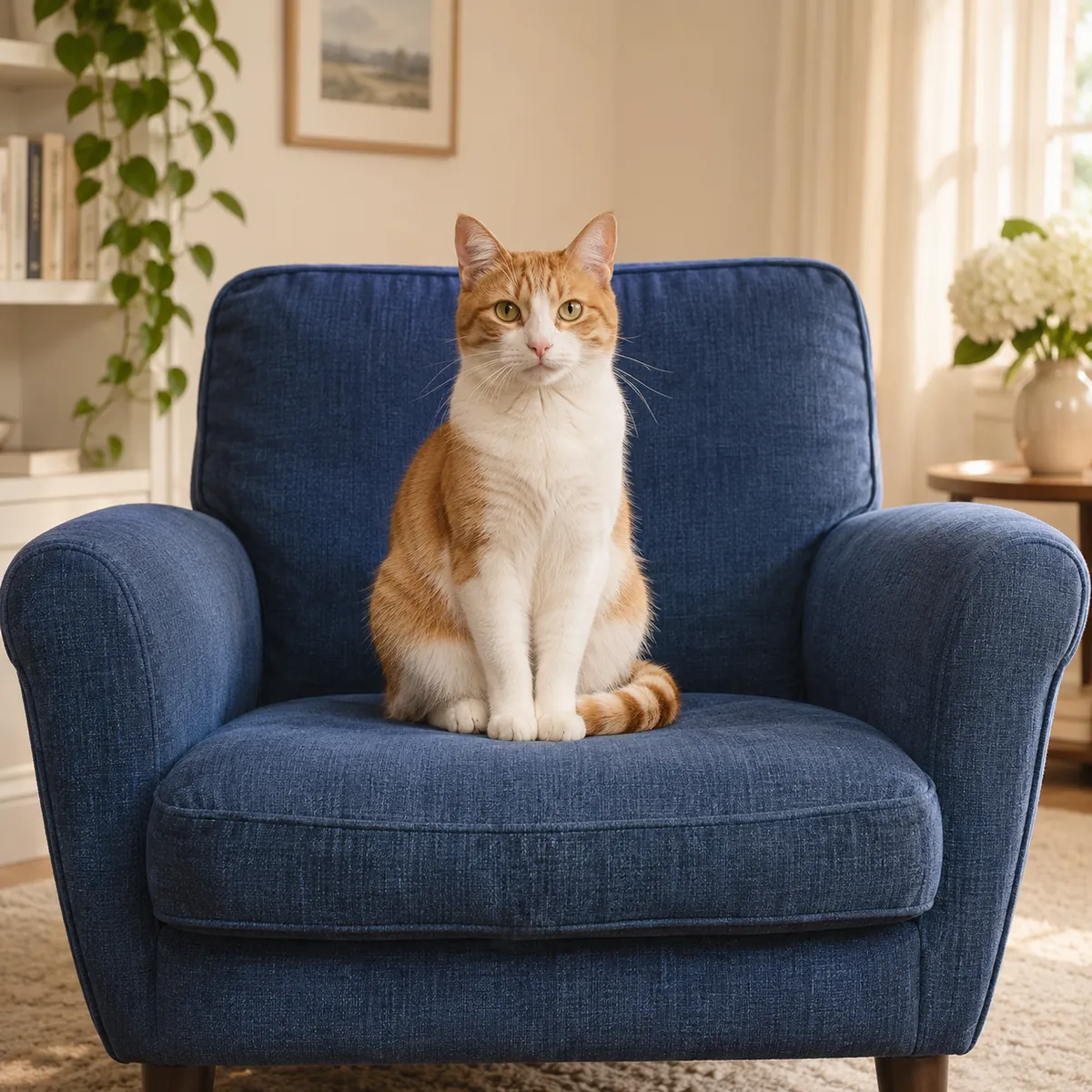
A pet with dark markings
Check the body, paws and surrounding objects, along with coat patches. Very dark ears or facial markings can become solid black areas rather than empty outlines.
Photo to coloring page
Turn a photo of your family, pet or a favorite moment into a printable coloring page. Create black outlines on white, inspect the areas you want to color, and download an image for your own activity.
JPG, PNG, WEBP · up to 15 MB · 40 megapixels
Drop a photo here, or paste from your clipboard
No signup. Private by default.
AI processing uploads your selected photo securely. Files in Enhance Photo storage expire within 24 hours; upstream retention is described in our Privacy Policy.
Illustrative examples show the editing goal. Compare processed results with your original photo.
The original pet preview illustrates an outline treatment. These scenarios show what to inspect when choosing a source for a simple activity or a more detailed page.
Check the body, paws and surrounding objects, along with coat patches. Very dark ears or facial markings can become solid black areas rather than empty outlines.
Review both faces and the background. Flowers, clothing patterns and furniture can create many small regions, which may suit older children or adults better.
One clear subject against an uncluttered background can produce larger, easier-to-color areas. Inspect small facial details before preparing a page for younger children.
Choose a JPG, PNG or WebP up to 15 MB and 40 megapixels, then start the outline treatment at 5 credits per image. Use a clear subject and a suitable background.
Compare with the original using the slider. Look for tiny regions, merged details or dark patches that have filled in black, and decide whether the page suits its intended user.
Save the generated image, then choose Letter or A4 and suitable scaling in your print settings. Inspect a preview before printing; another generation is a separate credit-based edit.
5 credits for one generated page, from a pack or Pro balance.
Choosing and previewing do not require signup. AI outline generation uses paid credits.
JPG, PNG and WebP, up to 15 MB and 40 megapixels.
2K, with 2048 pixels on the long side, downloaded without a watermark.
AI uploads, results and download links have a 24-hour window.
November 2026
Photo to coloring page
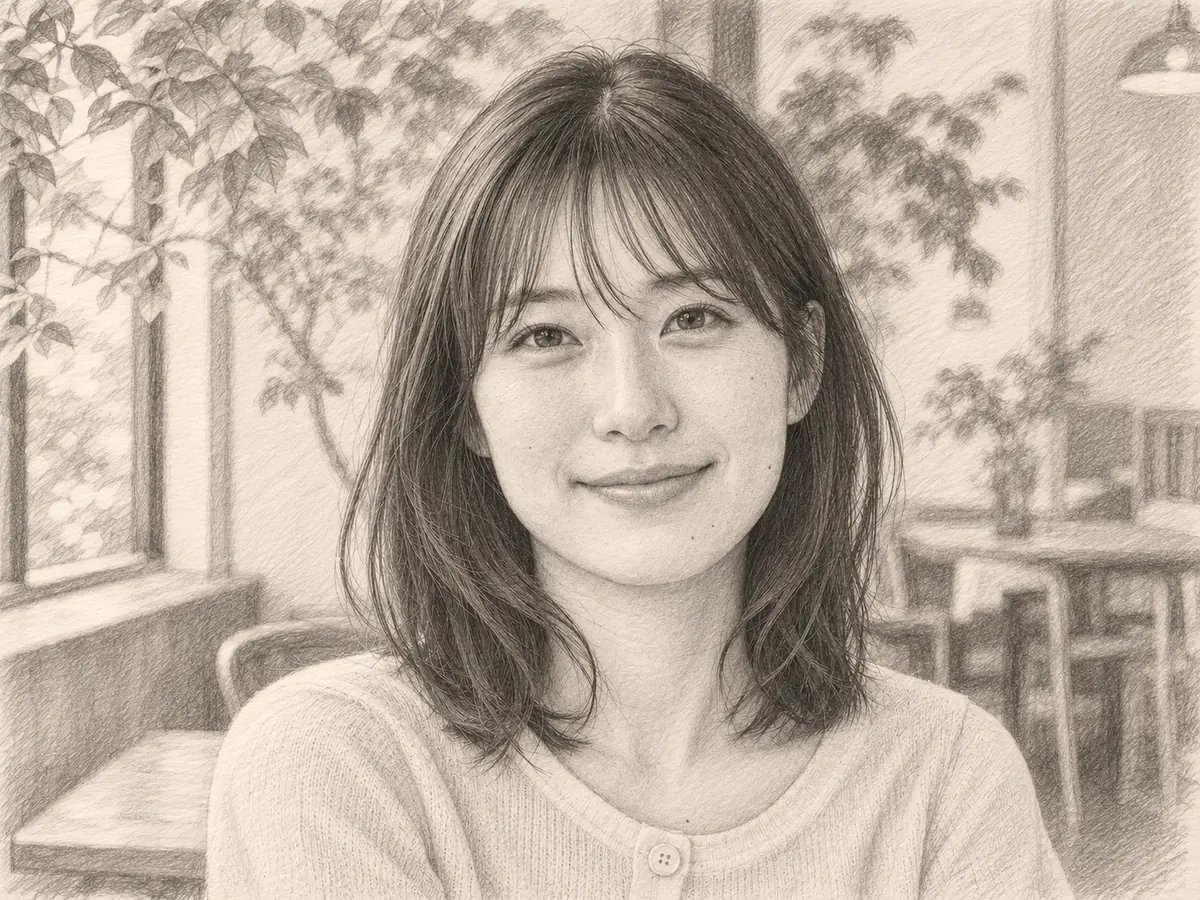
The intended result is a coloring-book-style image with black contours on a plain white background. It removes the photographic color and aims for open areas instead of the tonal shading used by a pencil-sketch effect.
Use a familiar person, pet or setting as the starting point for a personalized activity. The image is creatively simplified, so faces and small objects should still be compared with your original.
The amount of detail follows the source. A simple portrait can offer larger areas, while a garden, crowd or patterned outfit may become a dense network of small shapes. Choose the source for the person who will color the page.
Photo to coloring page
Try a clear picture of a child, a pet, a family group or a favorite place. For a simpler page, choose one subject with a clean outline and little background clutter. Keep the original so you can inspect the transformation.
Photo to coloring page
Create one digital page per run, then check that the outlines work for your activity.
Photo to coloring page
Inspect both the subject and the spaces available for coloring.
Photo to coloring page
Source choice is the main way to influence complexity before generating a page.
Photo to coloring page
Choose a graphite sketch for pencil tones, or a cartoon for a colored creative version of the same photo.
Create a cartoon interpretation of a portrait or scene with expressive shapes and color.
Open toolChoose another creative effect, improve a source image or change formats locally in the browser.
Start with your original image, choose a focused treatment and keep the result that works for you. No signup is needed to select a photo.
Enhance photo